Sponsored Links
Excel Functions

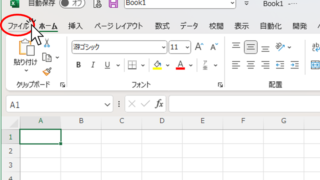
Allows you to see the address where the book is saved Excel (Excel)

You can display the path in the toolbar so that you can always see the address where you saved your Excel book. We will show you how to do this in this article. Click on the "File" tab, click on "Options", click on "Quick Access Toolbar" > "All...", and then click on "Quick Access Toolbar" > "Quick Access Toolbar" > "All...".
Excel Functions

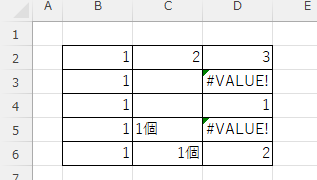
Linking two pull-downs (drop-downs) without macros (when reflected in multiple rows) Excel (Excel)

A must-see for those who want to create Excel linked multi-row dropdowns! This article explains in detail how to link multi-row dropdowns without macros. In fact, it can be easily achieved with the INDIRECT function and named ranges. Reading this article will enable you to create efficient spreadsheets.
Excel Macro (VBA)

How to use the property of variable type "Workbook" Excel (Excel) Macro (VBA)

You can read more about how to use the variable type "Workbook" in this blog. How to use the variable type "Workbook" Excel(Excel)Macro(VBA)Here we will explain the "Workbook" property in a little more detail.Wo...
Excel Functions

How to Fix Missing Sheets in Excel (Step-by-Step Guide)

This article explains how to solve the sheet heading hiding problem in Excel from the options settings. Have you ever had trouble finding a sheet in a file created by someone else? This article is written by the author, who has experience in supporting Excel operations.
Sponsored Links
en_USEnglish
Copied title and URL