Sponsored Links
Excel Macro (VBA)

How to use the input screen "InputBox" Excel Macro (VBA)

If you want to use values or arbitrary characters that do not exist in Excel, the "InputBox" is useful to easily create an input screen during macro execution. In this article, we will briefly explain how to use this "InputBox".

Excel Functions

For beginners] Explanation of causes of Excel being slow and countermeasures.

Manager, have you ever felt 'kind of heavy' when using Excel? Student Yes, sir! I recently started using Excel to improve my business, but I'm having trouble opening files because it takes so long. ManagerYes, that's right. Many people have the same problem...
Excel Macro (VBA)

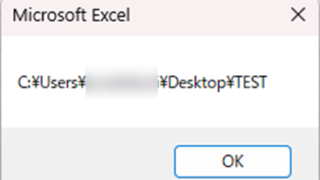
Get the path (save location) of the opened Excel file "Path" Excel Macro (VBA)

In many cases, it is useful to be able to get the location of the Excel file you are currently working on when you want to retrieve values from another Excel file or save a file as a name using a macro. In this article, we will show you how to use the "Path" command, which is useful in such cases. The currently open Excel file...
Excel Functions

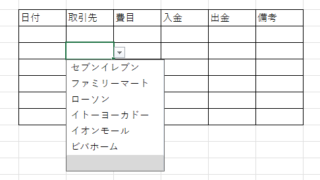
How to Use Excel (Excel) Pull-Downs (Drop-Downs): How to Streamline Data Entry in a Few Simple Steps

By selecting items from pull-down menus instead of entering them freely, you can save time and effort in entering data, and you can also improve the reliability of data by preventing distortions in the notation. Preventing distortions in the notation allows the same data to be recognized as the same when tabulating data, so it can be used in Excel....
Windows

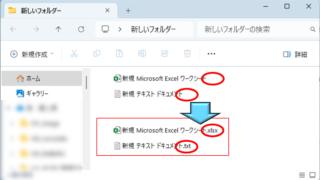
How to display file extensions [Windows 11].

For the beginning computer user, there may be little trouble with file extensions not being displayed. However, once you have started to tinker with computers to some extent, there are situations where you may need to change the file extension or process a file differently depending on its extension, so this...
Sponsored Links
en_USEnglish
Copied title and URL