Sponsored Links
Excel Functions

Excel: Color Cells When Input Doesn’t Match Dropdown List

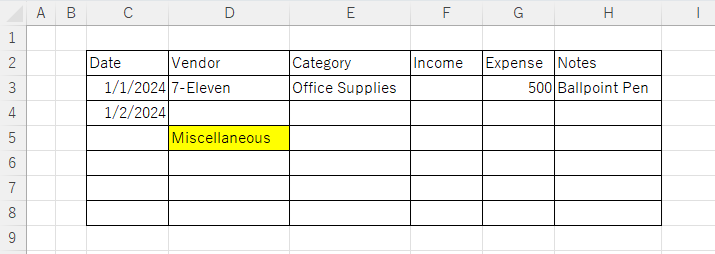
In this article, you'll learn how to use conditional formatting in Excel to automatically change cell colors when a value entered doesn't match the dropdown list. If you've been struggling with errors during data aggregation using the VLOOKUP function, you're not alone. Fortunately, combining the MATCH and ISNA functions offers a simple and effective solution.
Excel Functions

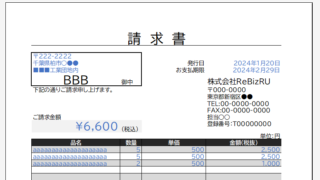
Automatically create invoices from sales invoices 2 Excel (Excel)

Creating Invoices Automatically from Previous Sales Statements1 Continuing from Excel (Excel), we will create an invoice. Putting the details on the invoice (using a function)*Using the "FILTER" function using Spil*This one uses the Spil function, so you will need to use Microsoft365 or E...
Excel Functions

3 Easy Ways to Hide or Show Zero Values in Excel: Simple Formatting Tips

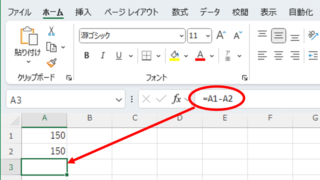
As shown in the figure below, when "A1" cell contains 150 and "A2" cell also contains the same number, 150, the calculation result of "=A1-A2" is "0" zero. There are three ways to avoid displaying numbers when the result of the calculation is "0" zero. The result of the calculation is "0" zero...
Excel Functions

How to Hide Sheet Tabs in Excel – Fast & Easy

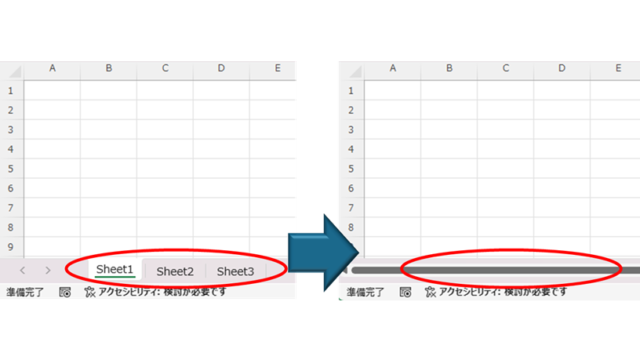
A must for Excel system creators and those considering preventing erroneous operations. This article explains with images how to hide sheet headings to prevent unexpected operations. In fact, it can be achieved with only a simple option setting. This article will help you create safe Excel files.
Windows

How to display file extensions [Windows 11].

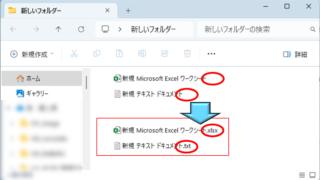
For the beginning computer user, there may be little trouble with file extensions not being displayed. However, once you have started to tinker with computers to some extent, there are situations where you may need to change the file extension or process a file differently depending on its extension, so this...
Sponsored Links
en_USEnglish
Copied title and URL