Manager

Sponsored Links
Excel Macro (VBA)

How to Disable Automatic Calculation in Excel VBA to Speed Up Your Macros

Learn how to disable automatic calculation in Excel VBA to dramatically speed up your macros. Simple code examples and performance tips included. Boost your Excel automation today!
Excel Functions

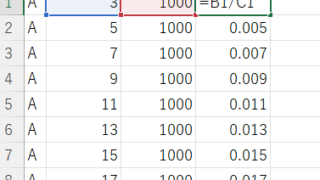
Absolute and relative references in Excel (Excel)

Absolute and relative references are explained below. Relative reference: If you want to display the same contents in cell "C3" as in the neighboring cell "B3", enter the following in cell "C3": =B3. If you want to display the same content in cell "C3" as in the neighboring cell "B3", enter the following in cell "C3": =B3
Edge

How to Install EdgeDriver for Selenium (Beginner’s Step-by-Step Guide)

This article details the installation procedure of EdgeDriver for beginners.Do you want to start web automation with VBA but don't know how to set it up? In fact, it can be easily installed in 3 steps, which will be taught by an Excel operation professional.
Excel Functions

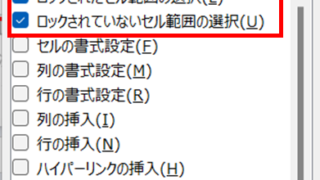
How to use the sheet protection function.

After you have created a great system or tool in Excel, do you ever have this fear when you want others to use it? What if someone accidentally breaks a formula... What if an important function is deleted? I only want to edit the cells I need, but...
Sponsored Links
en_USEnglish
Copied title and URL