Sponsored Links
Excel Functions

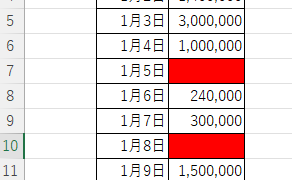
Excel (Excel) Conditional Formatting Methods

Excel has a function to change the format according to cell values and various conditions. Here is an example of a specific setting. Suppose you have a simple table like the one below, and you want to shade in red the cells where no sales have been entered. First, select the range you want to format. Next, select "Home"...
Excel Macro (VBA)

How to use the method of variable type "Workbook" Excel (Excel) Macro (VBA)

You can read more about how to use the variable type "Workbook" in this blog. How to use the variable type "Workbook" Excel(Excel)Macro(VBA)Here we will explain the "Workbook" method in a little more detail.Wor...
Excel Functions

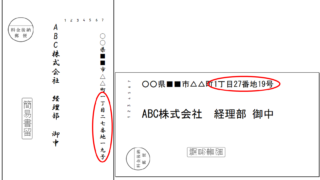
How to Instantly Convert Address Numbers to Kanji Using SUBSTITUTE in Excel.

When printing addresses on envelopes using the address list of a New Year's card or a customer list, for example, horizontal envelopes are written in arithmetic (Arabic) numerals such as "1, 2, 3", while vertical envelopes must be written in Chinese numerals such as "1, 2, 3". Substitute the numbers...
Excel Macro (VBA)

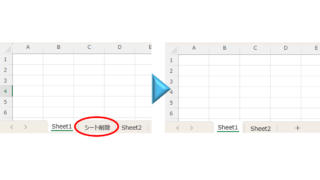
How to delete a sheet by specifying the sheet name VBA(Macro)Excel(Excel)

As the number of unneeded sheets grows, browsing becomes worse, and Excel itself becomes slower. In such cases, you can use VBA to automatically delete unnecessary sheets. In this article, we will show you how to use VBA to delete sheets at high speed...
Excel Functions

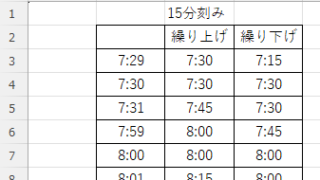
How to display time in 15-minute increments (CEILING and FLOOR functions) Excel

In the last issue, we introduced how to use the TIME function to display the time in 15-minute increments, 30-minute increments, etc. (TIME function) Excel pointed out that it would be easier to use the CEILING and FLOOR functions...
Sponsored Links
en_USEnglish
Copied title and URL