Sponsored Links
Excel Functions

Excel (Excel) to automatically create a backup file every time you save

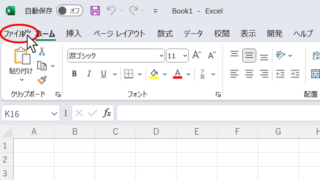
Here is how to automatically create a backup file every time you save Excel. Display the General Options screen First, display the "Save As" screen. On the Excel screen, click the "File" tab, then click "Save As," then click "So...
Excel Functions

How to Instantly Convert Address Numbers to Kanji Using SUBSTITUTE in Excel.

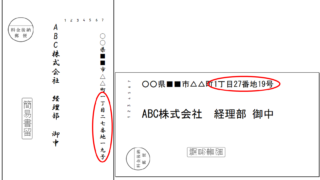
When printing addresses on envelopes using the address list of a New Year's card or a customer list, for example, horizontal envelopes are written in arithmetic (Arabic) numerals such as "1, 2, 3", while vertical envelopes must be written in Chinese numerals such as "1, 2, 3". Substitute the numbers...
Excel Functions

How to set up read-only and password Excel (Excel)

Here is how to set Excel to read-only or set a password when opening. Display the General Options screen First, display the "Save As" screen. On the Excel screen, click the "File" tab, then click "Save As," then click "...
Excel Functions

How to extract characters before a specific character "LEFT and FIND functions in Excel"

As shown in the figure below, if there is extra data after the string and you want to extract only the string to the left of the extra data, you cannot simply use the LEFT function alone because the number of characters is not constant. Function to extract the left side of the "¥" mark in cell "A2" = LEFT(A2,FIND(...))
Excel Functions

How to Round Time to 15-Minute Intervals in Excel (Easy Formula Guide)

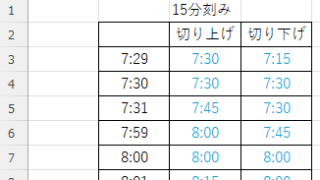
Struggling with time rounding in Excel? This guide shows you how to combine TIME and ROUND functions effectively. Simple techniques that boost productivity. Master time rounding calculations with ease.
Sponsored Links
en_USEnglish
Copied title and URL