Sponsored Links
Excel Functions

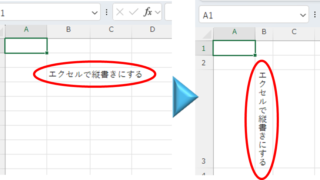
Top 4 Ways to Write Vertically in Excel: Features, Pros, and Best Use Cases

Excel is normally designed to be written horizontally, but it can also be written vertically. There are several ways to do this, but in this article, we will introduce four methods, two using "cell formatting" and two using "text boxes. Using "Vertical Writing" Cell Formatting1....
Excel Functions

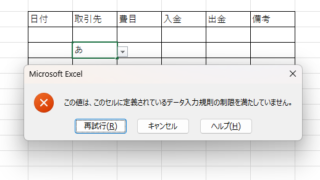
Excel to allow entry of items not in the pull-down (drop-down) list

When using the pull-down entry function in Excel with the default settings, if you try to enter an item that is not in the list prepared for entry, an error message like the one shown below will appear and you will not be able to enter the item. In such a case, you can either allow any item to be entered, or display a message...
Excel Macro (VBA)

How to install .NET FrameWork

What are the versions of the .NET Framework? NET Framework (DotNet Framework) comes in various versions (types of toolboxes) with slightly different tools inside...
Excel Macro (VBA)

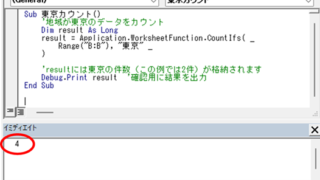
Excel Macro (VBA): How to use the CountIfs function in VBA! 

If you are a beginner who wants to use Excel's COUNTIFS function in VBA, this is a must. This article provides a thorough explanation from basic writing to error handling. In fact, with a few tricks, you can reduce processing time from a few minutes to a few seconds. Read this article and you will be able to efficiently tabulate data from tomorrow.
Sponsored Links
en_USEnglish
Copied title and URL