Sponsored Links
Excel Functions

How to extract characters before a specific character "LEFT and FIND functions in Excel"

As shown in the figure below, if there is extra data after the string and you want to extract only the string to the left of the extra data, you cannot simply use the LEFT function alone because the number of characters is not constant. Function to extract the left side of the "¥" mark in cell "A2" = LEFT(A2,FIND(...))
Excel Functions

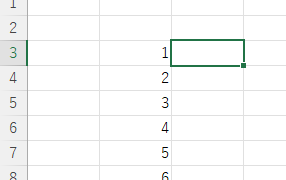
Absolute and relative references in Excel (Excel)

Absolute and relative references are explained below. Relative reference: If you want to display the same contents in cell "C3" as in the neighboring cell "B3", enter the following in cell "C3": =B3. If you want to display the same content in cell "C3" as in the neighboring cell "B3", enter the following in cell "C3": =B3
Excel Functions

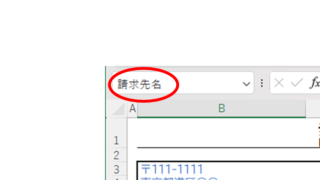
Name a cell Excel

There are many times when you need to refer to a cell with coordinates such as "=A1" or "=C50". However, when you try to get the value from another sheet or another book, the coordinates are not always the same.
Excel Functions

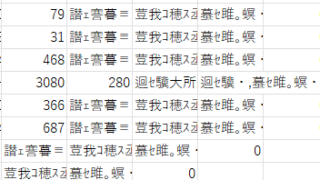
The two reasons for garbled csv files and how to fix them [Thorough explanation by an Excel master] Windows version.

"Huh? What is this?" Have you ever opened a CSV file in Excel only to find that the text in the file is a series of unintelligible symbols? Yes, you are now facing a troublesome problem called "garbled characters," which is a common problem that many people suffer from...
Sponsored Links
en_USEnglish
Copied title and URL