Sponsored Links
Excel Functions

Absolute and relative references in Excel (Excel)

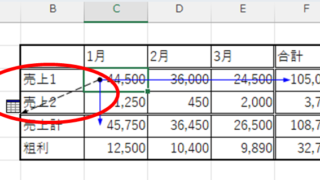
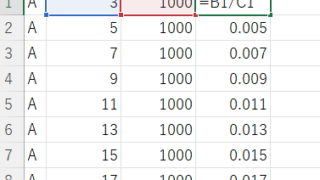
Absolute and relative references are explained below. Relative reference: If you want to display the same contents in cell "C3" as in the neighboring cell "B3", enter the following in cell "C3": =B3. If you want to display the same content in cell "C3" as in the neighboring cell "B3", enter the following in cell "C3": =B3
Excel Functions

How to display time in 15-minute increments (CEILING and FLOOR functions) Excel

In the last issue, we introduced how to use the TIME function to display the time in 15-minute increments, 30-minute increments, etc. (TIME function) Excel pointed out that it would be easier to use the CEILING and FLOOR functions...
Sponsored Links
Copied title and URL