Sponsored Links
Excel Functions

How to Extract Data Using the VLOOKUP Function in Excel

Being able to use the VLOOKUP function will expand the range of data handling, and will help you be seen as an intermediate Excel user by beginners. In this article, we will show you how to use the VLOOKUP function, and how to use the INDEX and MATCH functions to compensate for the weaknesses of the VLOOKUP function...
Excel Macro (VBA)

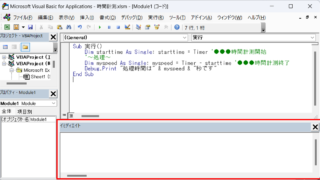
VBA "Overflow occurred." Error cause and remedy (runtime error '6′:)

Cause of ErrorThis error occurs when the data type is not in a format that can be handled, or when the data type exceeds the range of numbers that can be handled. First, let's reproduce the error. As shown in the figure above, we have set up the code to copy the numeric value in cell "B3" to cell "B4".
googlesheet

2 Easy Ways to Hide or Show Zero Values in Google Sheets

Looking to hide zero values in Google Sheets? This must-read guide explains two easy methods—using custom formatting and the IF function. Discover how to instantly clean up your tables and boost the visual quality of your documents. Would you like a slightly shorter or more technical variation as well?
Excel Functions

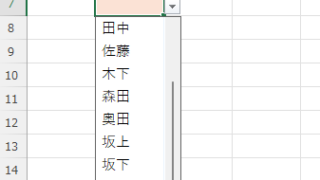
Excel: Color Cells When Input Doesn’t Match Dropdown List

In this article, you'll learn how to use conditional formatting in Excel to automatically change cell colors when a value entered doesn't match the dropdown list. If you've been struggling with errors during data aggregation using the VLOOKUP function, you're not alone. Fortunately, combining the MATCH and ISNA functions offers a simple and effective solution.
Sponsored Links
en_USEnglish
Copied title and URL