Sponsored Links
Excel Functions

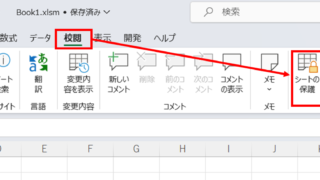
How to set and remove sheet and book protection Excel (Excel)

If you are thinking about preventing Excel mishaps, this is a must! This article details how to set up and remove sheet and book protection. In fact, you can easily set it with a password. This article will help you protect your important data.
Excel Functions

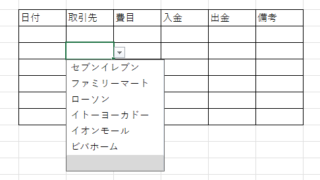
How to Use Excel (Excel) Pull-Downs (Drop-Downs): How to Streamline Data Entry in a Few Simple Steps

By selecting items from pull-down menus instead of entering them freely, you can save time and effort in entering data, and you can also improve the reliability of data by preventing distortions in the notation. Preventing distortions in the notation allows the same data to be recognized as the same when tabulating data, so it can be used in Excel....
Excel Macro (VBA)

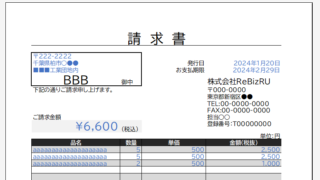
Automatically create invoices from sales invoices3 Excel (Excel)

Continuing from the previous article, "Creating Invoices Automatically from Sales Statements 2: Excel," we will now move on to creating invoices. If you haven't read it yet, please also read "Creating Invoices Automatically from Sales Statements 1: Excel". Putting details on an invoice (using a macro)...
Excel Functions

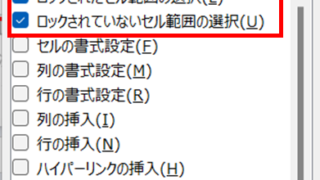
How to use the sheet protection function.

After you have created a great system or tool in Excel, do you ever have this fear when you want others to use it? What if someone accidentally breaks a formula... What if an important function is deleted? I only want to edit the cells I need, but...
Edge

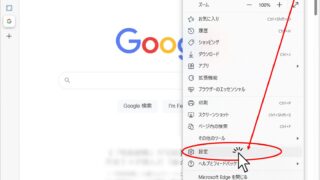
How to Install EdgeDriver for Selenium (Beginner’s Step-by-Step Guide)

This article details the installation procedure of EdgeDriver for beginners.Do you want to start web automation with VBA but don't know how to set it up? In fact, it can be easily installed in 3 steps, which will be taught by an Excel operation professional.
Sponsored Links
en_USEnglish
Copied title and URL