Sponsored Links
Excel Macro (VBA)

What is an Excel (Excel) Macro (VBA) Module and Procedure?

When dealing with VBA, you will come across terms such as modules and procedures, which are not used in everyday life. So, here I will explain about modules and procedures. Modules include standard modules, book modules, sheet modules, fo...
Excel Functions

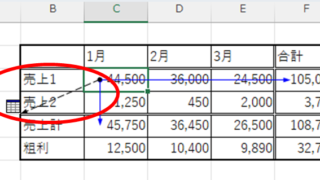
How to find function references with trace arrows Excel (Excel)

If you are confused about reference relationships in Excel functions, you have come to the right place! This article details how to find references using trace arrows. In fact, you can easily visualize the relationship between cells from the formula tab. This article will help you understand complex functions.
Excel Functions

Forgot Password? How to Remove Read-Only (Write Protection) in Excel

If you forgot your Excel password, don’t worry! This article explains how to remove write protection easily by simply changing the file extension. Learn how to unlock read-only mode fast.
Excel Functions

Absolute and relative references in Excel (Excel)

Absolute and relative references are explained below. Relative reference: If you want to display the same contents in cell "C3" as in the neighboring cell "B3", enter the following in cell "C3": =B3. If you want to display the same content in cell "C3" as in the neighboring cell "B3", enter the following in cell "C3": =B3
Excel Functions

Excel RIGHT and LEFT functions to extract a specific number of characters from the right or left of a string

I want to display only the four characters from the right of the data entered in a cell, or I want to display the rest of the data without displaying the left few characters. Conversely, I want to display only 4 characters from the left of the data entered in a cell, or I want to display the rest of the data without displaying the few characters on the right. Thus...
Sponsored Links
en_USEnglish
Copied title and URL