Sponsored Links
Excel Functions

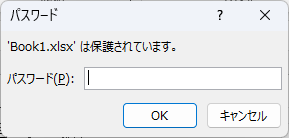
How to set up read-only and password Excel (Excel)

Here is how to set Excel to read-only or set a password when opening. Display the General Options screen First, display the "Save As" screen. On the Excel screen, click the "File" tab, then click "Save As," then click "...
Excel Functions

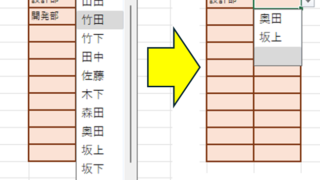
Linking two pull-downs (drop-downs) without macros (when reflected in multiple rows) Excel (Excel)

A must-see for those who want to create Excel linked multi-row dropdowns! This article explains in detail how to link multi-row dropdowns without macros. In fact, it can be easily achieved with the INDIRECT function and named ranges. Reading this article will enable you to create efficient spreadsheets.
Excel Functions

Excel RIGHT and LEFT functions to extract a specific number of characters from the right or left of a string

I want to display only the four characters from the right of the data entered in a cell, or I want to display the rest of the data without displaying the left few characters. Conversely, I want to display only 4 characters from the left of the data entered in a cell, or I want to display the rest of the data without displaying the few characters on the right. Thus...
Excel Functions

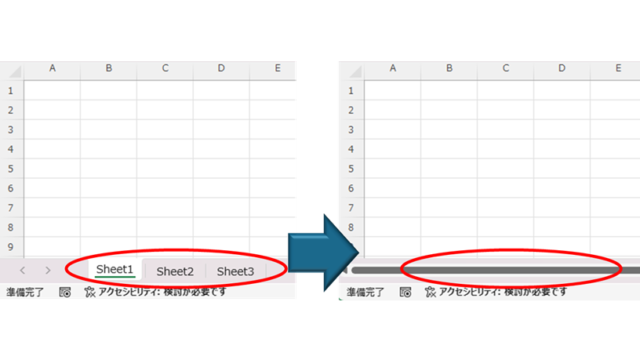
How to Hide Sheet Tabs in Excel – Fast & Easy

A must for Excel system creators and those considering preventing erroneous operations. This article explains with images how to hide sheet headings to prevent unexpected operations. In fact, it can be achieved with only a simple option setting. This article will help you create safe Excel files.
Excel Functions

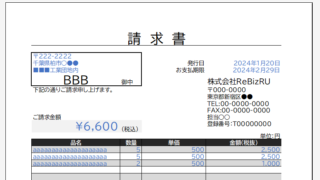
Automatically create invoices from sales invoices 2 Excel (Excel)

Creating Invoices Automatically from Previous Sales Statements1 Continuing from Excel (Excel), we will create an invoice. Putting the details on the invoice (using a function)*Using the "FILTER" function using Spil*This one uses the Spil function, so you will need to use Microsoft365 or E...
Sponsored Links
en_USEnglish
Copied title and URL