Sponsored Links
Excel Macro (VBA)

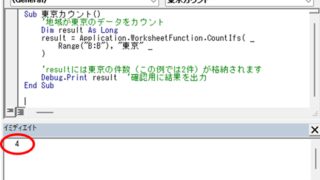
Excel Macro (VBA): How to use the CountIfs function in VBA! 

If you are a beginner who wants to use Excel's COUNTIFS function in VBA, this is a must. This article provides a thorough explanation from basic writing to error handling. In fact, with a few tricks, you can reduce processing time from a few minutes to a few seconds. Read this article and you will be able to efficiently tabulate data from tomorrow.
Excel Macro (VBA)

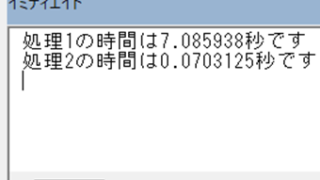
Measure macro processing time Excel(Excel) Macro(VBA)

When trying to speed up a macro, it is first necessary to be able to determine how much time was saved before and after the improvement, and how much time was saved or not. To do this, it is necessary to be able to measure the time. In this article, we will show you how to do this. In this article, we will discuss the process of...
Excel Macro (VBA)

About Variable Types Excel(Excel) Macro(VBA)

This section explains the types used when declaring variables in "Dim Variables". Here are some typical types of variables that you only need to remember. I almost always use only these. Variable typeThe range of data that can be storedstring stringlong integer (-2,14...)
googlesheet

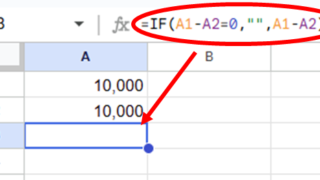
2 Easy Ways to Hide or Show Zero Values in Google Sheets

Looking to hide zero values in Google Sheets? This must-read guide explains two easy methods—using custom formatting and the IF function. Discover how to instantly clean up your tables and boost the visual quality of your documents. Would you like a slightly shorter or more technical variation as well?
Excel Functions

How to Insert Rows in Excel Without Breaking Formulas

Having trouble with broken formulas after inserting rows in Excel? This article explains step-by-step how to fix them easily using formula copying—shared by an experienced Excel expert.
Sponsored Links
en_USEnglish
Copied title and URL