Sponsored Links
Excel Macro (VBA)

How to Find the Last Row in Excel Using VBA (Macro Guide for Beginners)

We show you how to search through the data from the top down, and how to start from the bottom row of the Excel file and work your way up.
Excel Functions

Creating a QR Code in Excel (Excel)

QR codes are a very convenient way to tell someone a URL or email address, rather than a string of text. It is a very convenient tool because all the recipient has to do is read it. However, the only way to make them is to create and download them using free sites on the Internet...
Excel Functions

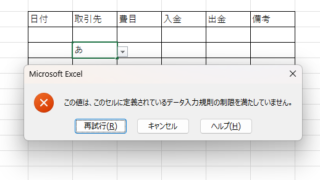
Excel to allow entry of items not in the pull-down (drop-down) list

When using the pull-down entry function in Excel with the default settings, if you try to enter an item that is not in the list prepared for entry, an error message like the one shown below will appear and you will not be able to enter the item. In such a case, you can either allow any item to be entered, or display a message...
Excel Functions

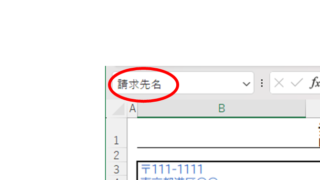
Name a cell Excel

There are many times when you need to refer to a cell with coordinates such as "=A1" or "=C50". However, when you try to get the value from another sheet or another book, the coordinates are not always the same.
Excel Functions

How to Adjust Column Width and Row Height in Excel (Manual Methods Explained)

Visibility is very poor if the column widths are too narrow to display all of the cell contents, or the row height is too narrow to display the contents. In this article, we will explain how to easily and automatically adjust row height and column width to just the right size. With a macro (VBA)...
Sponsored Links
en_USEnglish
Copied title and URL