Sponsored Links
Excel Macro (VBA)

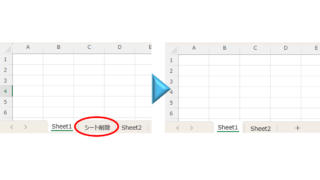
How to delete a sheet by specifying the sheet name VBA(Macro)Excel(Excel)

As the number of unneeded sheets grows, browsing becomes worse, and Excel itself becomes slower. In such cases, you can use VBA to automatically delete unnecessary sheets. In this article, we will show you how to use VBA to delete sheets at high speed...
Excel Functions

3 Easy Ways to Hide or Show Zero Values in Excel: Simple Formatting Tips

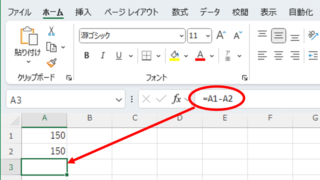
As shown in the figure below, when "A1" cell contains 150 and "A2" cell also contains the same number, 150, the calculation result of "=A1-A2" is "0" zero. There are three ways to avoid displaying numbers when the result of the calculation is "0" zero. The result of the calculation is "0" zero...
Excel Macro (VBA)

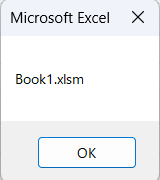
How to use the property of variable type "Workbook" Excel (Excel) Macro (VBA)

You can read more about how to use the variable type "Workbook" in this blog. How to use the variable type "Workbook" Excel(Excel)Macro(VBA)Here we will explain the "Workbook" property in a little more detail.Wo...
Excel Functions

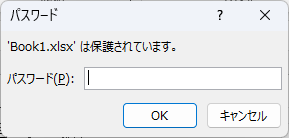
How to set up read-only and password Excel (Excel)

Here is how to set Excel to read-only or set a password when opening. Display the General Options screen First, display the "Save As" screen. On the Excel screen, click the "File" tab, then click "Save As," then click "...
Excel Functions

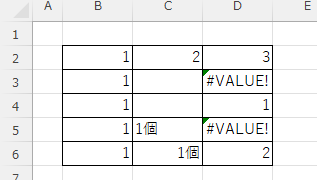
What does the error message "#VALUE!" mean and what can I do about it?

Error messages are unavoidable when dealing with Excel, and you may be surprised when they suddenly appear. Here are the meanings and countermeasures for these errors. As an example of preconditions, let's make a table like this...
Sponsored Links
en_USEnglish
Copied title and URL