Sponsored Links
Excel Functions

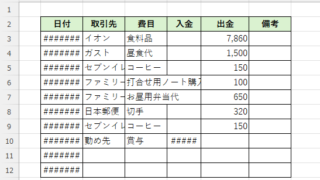
Switch between manual and automatic recalculation methods in Excel (Excel)

Excel, which contains a large number of formulas, will recalculate each time you perform some operation, and you will not be able to perform the next operation until the calculation is finished. If you feel that Excel is too slow, you can stop the recalculation to make it run more smoothly. Also, for some reason without realizing it...
Excel Functions

Linking two pull-downs (drop-downs) without macros (for linking only one set) Excel (Excel)

This article explains how to link two dropdown lists in Excel. Are you struggling with how to display only employees relevant to the selected department after choosing it? Actually, you can easily link them using the INDEX and MATCH functions. An Excel expert will teach you how.
Excel Functions

Auto-filter cuts out in the middle, how to fix Excel (Excel)

Have you ever had a situation where you applied an auto-filter and found that the auto-filter was only working on the 20th row, even though data was included up to the 100th row? In this article, we will introduce what you should check when you encounter such a situation. Auto filter aperture...
Excel Functions

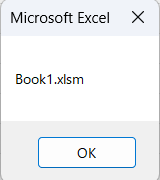
Allows you to see the address where the book is saved Excel (Excel)

You can display the path in the toolbar so that you can always see the address where you saved your Excel book. We will show you how to do this in this article. Click on the "File" tab, click on "Options", click on "Quick Access Toolbar" > "All...", and then click on "Quick Access Toolbar" > "Quick Access Toolbar" > "All...".
Sponsored Links
en_USEnglish
Copied title and URL