Sponsored Links
Excel Functions

3 Easy Ways to Hide or Show Zero Values in Excel: Simple Formatting Tips

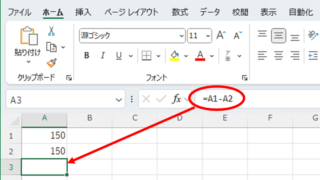
As shown in the figure below, when "A1" cell contains 150 and "A2" cell also contains the same number, 150, the calculation result of "=A1-A2" is "0" zero. There are three ways to avoid displaying numbers when the result of the calculation is "0" zero. The result of the calculation is "0" zero...
Excel Macro (VBA)

What is an Excel (Excel) Macro (VBA) Module and Procedure?

When dealing with VBA, you will come across terms such as modules and procedures, which are not used in everyday life. So, here I will explain about modules and procedures. Modules include standard modules, book modules, sheet modules, fo...
Excel Functions

Automatically create invoices from sales invoices1 Excel (Excel)

There are many useful software systems that automatically output invoices as you record sales data if you pay for them, but many people are unable to install software because they "don't have enough money to pay for it" or "management won't allow it" and are making each invoice by hand...
Excel Functions

VLOOKUP function gives #N/A or #REF!

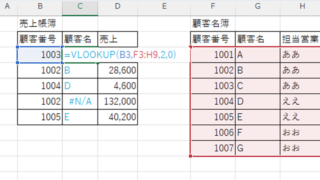
The VLOOKUP function is a very useful function for handling data, but many of you may have experienced that once you get stuck in the error swamp of #N/A or #REF! In this article, we will discuss how to use the VLOOKUP function to get rid of the #N/A and #REF!
Sponsored Links
en_USEnglish
Copied title and URL