Sponsored Links
Windows

How to Enable Excel Macros: Fix 'Macro Has Been Blocked' Error Safely

If you are having trouble running Excel macros, you have come to the right place. This article explains how to solve the red band message that appears in version 2203 and later. Actually, it can be easily solved by file saving and property settings. This article will help you solve the macro block problem completely. 
Excel Functions

How to correct "###" in cell display Excel (Excel)

When dealing with numbers in Excel, it often happens that the sharpness of the numbers becomes "######" as shown in the title, and the value becomes unreadable. The conclusion is that the reason for the "#####" is that the length of the value is larger than the size of the cell, making it impossible to display...
Edge

How to Change Digital Certificate Display Names in Microsoft Edge for Easy Identification

How to Change Digital Certificate Names in Edge | Stop Certificate Confusion. Set friendly names for easy identification. Step-by-step guide to distinguish multiple certificates in Microsoft Edge browser.
Excel Functions

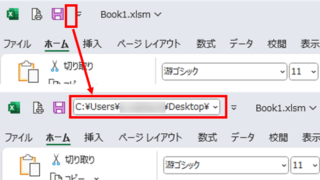
Allows you to see the address where the book is saved Excel (Excel)

You can display the path in the toolbar so that you can always see the address where you saved your Excel book. We will show you how to do this in this article. Click on the "File" tab, click on "Options", click on "Quick Access Toolbar" > "All...", and then click on "Quick Access Toolbar" > "Quick Access Toolbar" > "All...".
Sponsored Links
en_USEnglish
Copied title and URL