Sponsored Links
Excel Functions

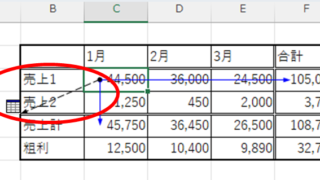
How to find function references with trace arrows Excel (Excel)

If you are confused about reference relationships in Excel functions, you have come to the right place! This article details how to find references using trace arrows. In fact, you can easily visualize the relationship between cells from the formula tab. This article will help you understand complex functions.
Excel Functions

Name a cell Excel

There are many times when you need to refer to a cell with coordinates such as "=A1" or "=C50". However, when you try to get the value from another sheet or another book, the coordinates are not always the same.
Excel Functions

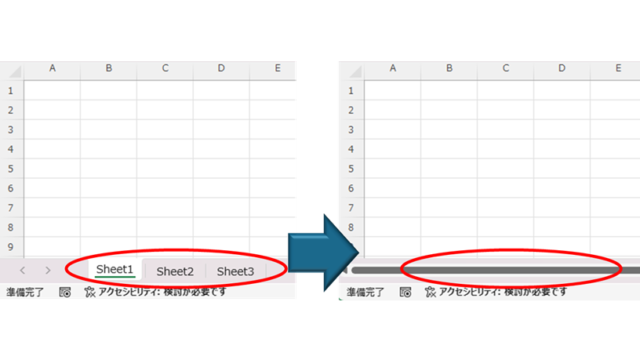
How to Hide Sheet Tabs in Excel – Fast & Easy

A must for Excel system creators and those considering preventing erroneous operations. This article explains with images how to hide sheet headings to prevent unexpected operations. In fact, it can be achieved with only a simple option setting. This article will help you create safe Excel files.
Excel Macro (VBA)

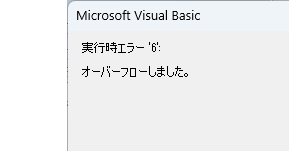
VBA "Overflow occurred." Error cause and remedy (runtime error '6′:)

Cause of ErrorThis error occurs when the data type is not in a format that can be handled, or when the data type exceeds the range of numbers that can be handled. First, let's reproduce the error. As shown in the figure above, we have set up the code to copy the numeric value in cell "B3" to cell "B4".
Excel Functions

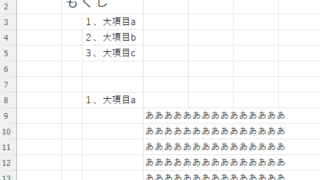
How to set up a link by inserting a hyperlink Excel (Excel)

Here is how to set up a hyperlink using the Insert Hyperlink function. For example, let's say you have created a document with a table of contents as shown below, which jumps to a cell within the page. Let's say you have created a page with a table of contents as shown in the figure below, and when you click on the name of an item in the table of contents, you will jump to that item. First, let's create a page with a hyperlink to a cell in the page...
Sponsored Links
en_USEnglish
Copied title and URL