Sponsored Links
Excel Functions

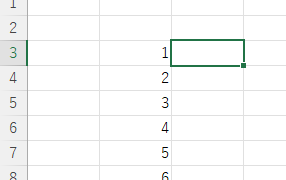
Absolute and relative references in Excel (Excel)

Absolute and relative references are explained below. Relative reference: If you want to display the same contents in cell "C3" as in the neighboring cell "B3", enter the following in cell "C3": =B3. If you want to display the same content in cell "C3" as in the neighboring cell "B3", enter the following in cell "C3": =B3
Excel Functions

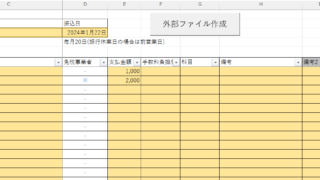
Locking cells to protect only a specific range of sheets Excel (Excel)

When using the sheet protection function, there is a function that allows detailed usage such as "allow selection and input in this range of cells, but not in other cells". For example, let's say you have a system that automatically creates transfer data when you enter a company name and amount of money as shown below. In this example...
Excel Functions

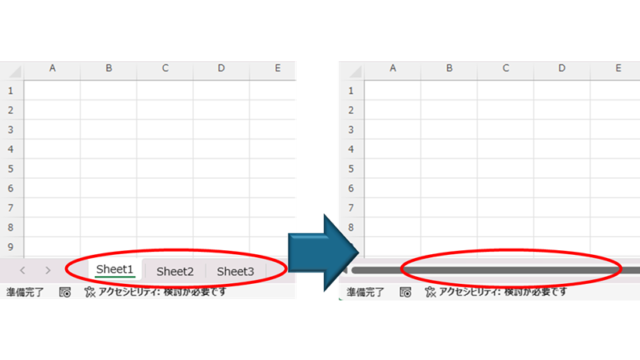
How to Hide Sheet Tabs in Excel – Fast & Easy

A must for Excel system creators and those considering preventing erroneous operations. This article explains with images how to hide sheet headings to prevent unexpected operations. In fact, it can be achieved with only a simple option setting. This article will help you create safe Excel files.
Excel Functions

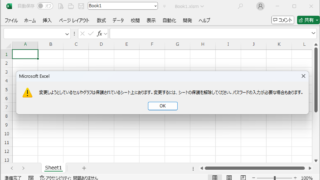
Forgot Password] How to remove sheet protection Excel (Excel)

I have a "sheet-protected" Excel file that I really need to unprotect, but the person in charge of applying the protection has already left the company or lost the memo, and I don't know the password. In such cases, do I have no choice but to give up? No, you can...
Sponsored Links
en_USEnglish
Copied title and URL