Sponsored Links
Excel Functions

How to Extract Text After a Specific Character in Excel Using RIGHT and FIND

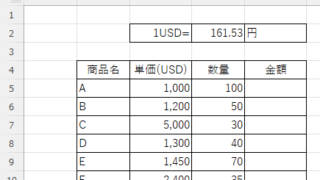
Struggling to extract text after a specific character in Excel when data lengths vary? This article explains how to combine the RIGHT and FIND functions to solve the problem—taught by an experienced Excel formula expert.
Excel Macro (VBA)

How to use the input screen "InputBox" Excel Macro (VBA)

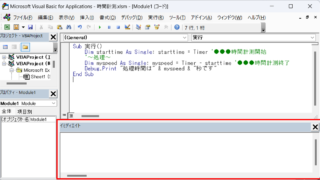
If you want to use values or arbitrary characters that do not exist in Excel, the "InputBox" is useful to easily create an input screen during macro execution. In this article, we will briefly explain how to use this "InputBox".
Excel Macro (VBA)

"How to Create Your First Excel Macro (Beginner’s VBA Guide)

To write a VBA, you start with the "Development" tab, which is not present by default. Click on the File tab, then click on the option...
Excel Functions

Allows you to see the address where the book is saved Excel (Excel)

You can display the path in the toolbar so that you can always see the address where you saved your Excel book. We will show you how to do this in this article. Click on the "File" tab, click on "Options", click on "Quick Access Toolbar" > "All...", and then click on "Quick Access Toolbar" > "Quick Access Toolbar" > "All...".
Sponsored Links
en_USEnglish
Copied title and URL