Sponsored Links
Excel Functions

For beginners] Explanation of causes of Excel being slow and countermeasures.

Manager, have you ever felt 'kind of heavy' when using Excel? Student Yes, sir! I recently started using Excel to improve my business, but I'm having trouble opening files because it takes so long. ManagerYes, that's right. Many people have the same problem...
Excel Functions

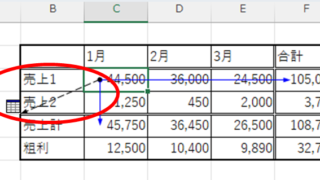
How to find function references with trace arrows Excel (Excel)

If you are confused about reference relationships in Excel functions, you have come to the right place! This article details how to find references using trace arrows. In fact, you can easily visualize the relationship between cells from the formula tab. This article will help you understand complex functions.
Edge

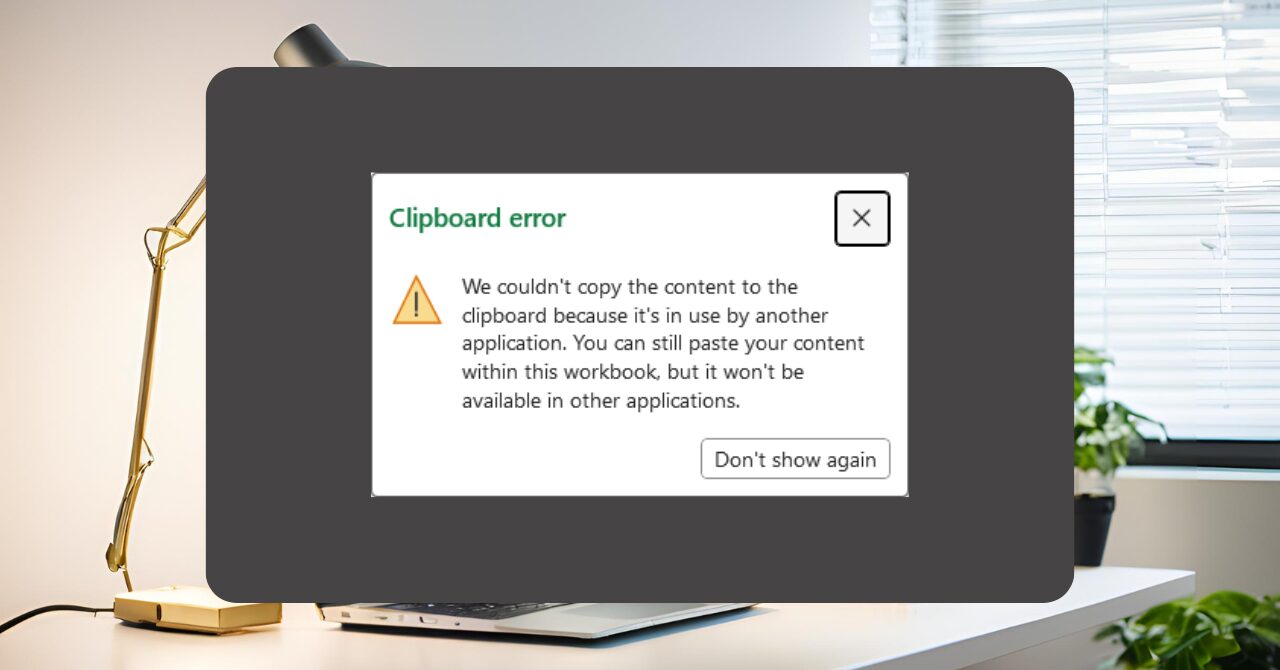
Excel Clipboard Error: “The content cannot be copied because it is being used by another application” — Symptoms and Quick Fixes

Frustrated by the "File is in use by another application" error during copy and paste? This article provides a detailed explanation of the issue along with both quick fixes and long-term solutions to resolve it effectively.
Excel Macro (VBA)

[Forgot Password] How to Remove VBA (Macro) Passwords in Excel

A must-read for anyone who has forgotten their Excel password! This article explains in detail how to forcibly remove VBA passwords. In fact, you can easily remove it just by changing the file extension. By reading this article, you can escape read-only mode.
Excel Functions

Absolute and relative references in Excel (Excel)

Absolute and relative references are explained below. Relative reference: If you want to display the same contents in cell "C3" as in the neighboring cell "B3", enter the following in cell "C3": =B3. If you want to display the same content in cell "C3" as in the neighboring cell "B3", enter the following in cell "C3": =B3
Sponsored Links
en_USEnglish
Copied title and URL