Sponsored Links
Excel Functions

Creating a QR Code in Excel (Excel)

QR codes are a very convenient way to tell someone a URL or email address, rather than a string of text. It is a very convenient tool because all the recipient has to do is read it. However, the only way to make them is to create and download them using free sites on the Internet...
Excel Functions

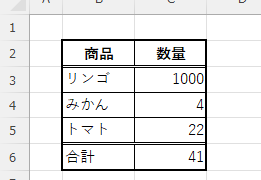
Switch between manual and automatic recalculation methods in Excel (Excel)

Excel, which contains a large number of formulas, will recalculate each time you perform some operation, and you will not be able to perform the next operation until the calculation is finished. If you feel that Excel is too slow, you can stop the recalculation to make it run more smoothly. Also, for some reason without realizing it...
Excel Macro (VBA)

[Forgot Password] How to Remove VBA (Macro) Passwords in Excel

A must-read for anyone who has forgotten their Excel password! This article explains in detail how to forcibly remove VBA passwords. In fact, you can easily remove it just by changing the file extension. By reading this article, you can escape read-only mode.
Excel Functions

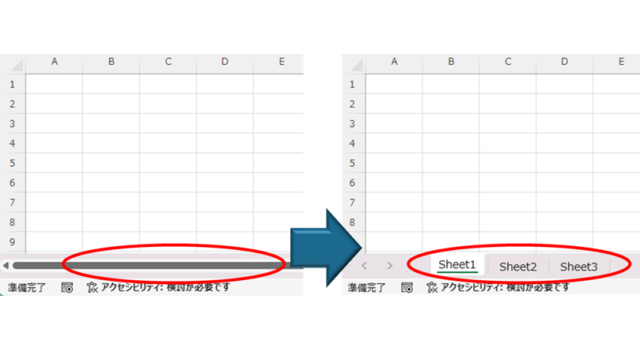
How to Fix Missing Sheets in Excel (Step-by-Step Guide)

This article explains how to solve the sheet heading hiding problem in Excel from the options settings. Have you ever had trouble finding a sheet in a file created by someone else? This article is written by the author, who has experience in supporting Excel operations.
Excel Functions

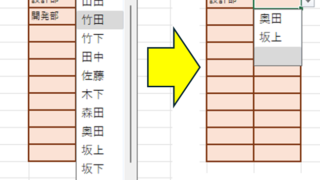
Linking two pull-downs (drop-downs) without macros (when reflected in multiple rows) Excel (Excel)

A must-see for those who want to create Excel linked multi-row dropdowns! This article explains in detail how to link multi-row dropdowns without macros. In fact, it can be easily achieved with the INDIRECT function and named ranges. Reading this article will enable you to create efficient spreadsheets.
Sponsored Links
en_USEnglish
Copied title and URL