Sponsored Links
Excel Functions

Absolute and relative references in Excel (Excel)

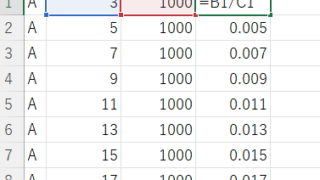
Absolute and relative references are explained below. Relative reference: If you want to display the same contents in cell "C3" as in the neighboring cell "B3", enter the following in cell "C3": =B3. If you want to display the same content in cell "C3" as in the neighboring cell "B3", enter the following in cell "C3": =B3
Excel Macro (VBA)

About Variable Types Excel(Excel) Macro(VBA)

This section explains the types used when declaring variables in "Dim Variables". Here are some typical types of variables that you only need to remember. I almost always use only these. Variable typeThe range of data that can be storedstring stringlong integer (-2,14...)
Sponsored Links
Copied title and URL