 Excel Functions
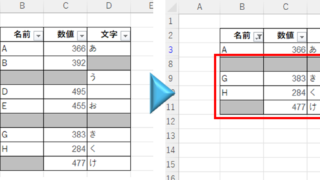
 Auto-filter cuts out in the middle, how to fix Excel (Excel)
Have you ever had a situation where you applied an auto-filter and found that the auto-filter was only working on the 20th row, even though data was included up to the 100th row? In this article, we will introduce what you should check when you encounter such a situation. Auto filter aperture...

 English
  日本語
日本語