Sponsored Links
Excel Macro (VBA)

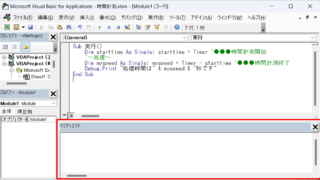
How to display the Immediate Window Excel(Excel) Macro(VBA)

One of the skills that you will need to learn as you progress in your VBA studies is the skill of using Immediate Windows. To use it, you must first display the Immediate Window. In this article, we will explain how to display the Immediate Window...
Excel Functions

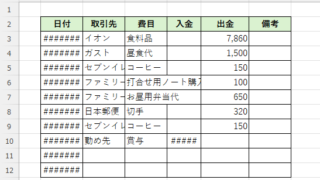
How to Adjust Column Width and Row Height in Excel (Manual Methods Explained)

Visibility is very poor if the column widths are too narrow to display all of the cell contents, or the row height is too narrow to display the contents. In this article, we will explain how to easily and automatically adjust row height and column width to just the right size. With a macro (VBA)...
Edge

Digital certificate can no longer be selected when logging in to a site (Edge)

Have you ever seen the following error message when using login with a digital certificate? The certificate you have selected is not available for this service. Please close all browser windows and try again. Internet ban...
Excel Functions

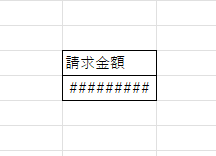
How to correct "###" in cell display Excel (Excel)

When dealing with numbers in Excel, it often happens that the sharpness of the numbers becomes "######" as shown in the title, and the value becomes unreadable. The conclusion is that the reason for the "#####" is that the length of the value is larger than the size of the cell, making it impossible to display...
Excel Macro (VBA)

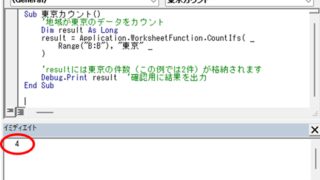
Excel Macro (VBA): How to use the CountIfs function in VBA! 

If you are a beginner who wants to use Excel's COUNTIFS function in VBA, this is a must. This article provides a thorough explanation from basic writing to error handling. In fact, with a few tricks, you can reduce processing time from a few minutes to a few seconds. Read this article and you will be able to efficiently tabulate data from tomorrow.
Sponsored Links
en_USEnglish
Copied title and URL