Sponsored Links
Excel Functions

Absolute and relative references in Excel (Excel)

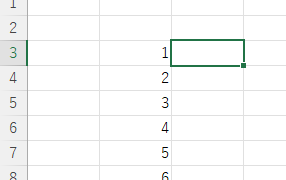
Absolute and relative references are explained below. Relative reference: If you want to display the same contents in cell "C3" as in the neighboring cell "B3", enter the following in cell "C3": =B3. If you want to display the same content in cell "C3" as in the neighboring cell "B3", enter the following in cell "C3": =B3
Excel Macro (VBA)

How to delete a sheet by specifying the sheet name VBA(Macro)Excel(Excel)

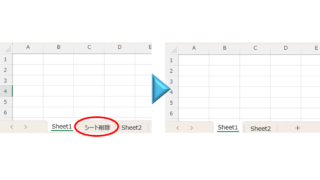
As the number of unneeded sheets grows, browsing becomes worse, and Excel itself becomes slower. In such cases, you can use VBA to automatically delete unnecessary sheets. In this article, we will show you how to use VBA to delete sheets at high speed...
Excel Functions

Excel (Excel) to automatically create a backup file every time you save

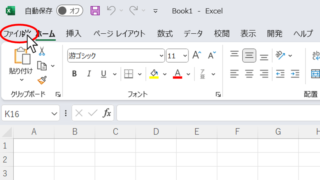
Here is how to automatically create a backup file every time you save Excel. Display the General Options screen First, display the "Save As" screen. On the Excel screen, click the "File" tab, then click "Save As," then click "So...
Excel Functions

Auto-filter cuts out in the middle, how to fix Excel (Excel)

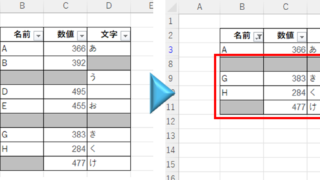
Have you ever had a situation where you applied an auto-filter and found that the auto-filter was only working on the 20th row, even though data was included up to the 100th row? In this article, we will introduce what you should check when you encounter such a situation. Auto filter aperture...
Sponsored Links
en_USEnglish
Copied title and URL