Sponsored Links
Excel Functions

Top 4 Ways to Write Vertically in Excel: Features, Pros, and Best Use Cases

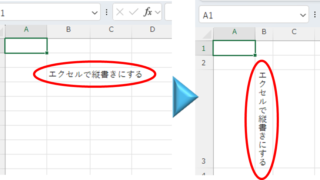
Excel is normally designed to be written horizontally, but it can also be written vertically. There are several ways to do this, but in this article, we will introduce four methods, two using "cell formatting" and two using "text boxes. Using "Vertical Writing" Cell Formatting1....
Excel Functions

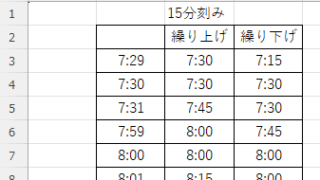
How to display time in 15-minute increments (CEILING and FLOOR functions) Excel

In the last issue, we introduced how to use the TIME function to display the time in 15-minute increments, 30-minute increments, etc. (TIME function) Excel pointed out that it would be easier to use the CEILING and FLOOR functions...
Excel Functions

Locking cells to protect only a specific range of sheets Excel (Excel)

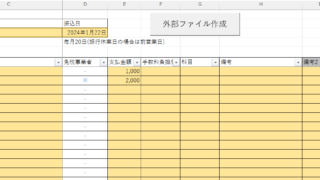
When using the sheet protection function, there is a function that allows detailed usage such as "allow selection and input in this range of cells, but not in other cells". For example, let's say you have a system that automatically creates transfer data when you enter a company name and amount of money as shown below. In this example...
Excel Macro (VBA)

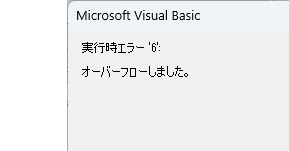
VBA "Overflow occurred." Error cause and remedy (runtime error '6′:)

Cause of ErrorThis error occurs when the data type is not in a format that can be handled, or when the data type exceeds the range of numbers that can be handled. First, let's reproduce the error. As shown in the figure above, we have set up the code to copy the numeric value in cell "B3" to cell "B4".
Sponsored Links
en_USEnglish
Copied title and URL