Sponsored Links
Excel Functions

What does the error message "#VALUE!" mean and what can I do about it?

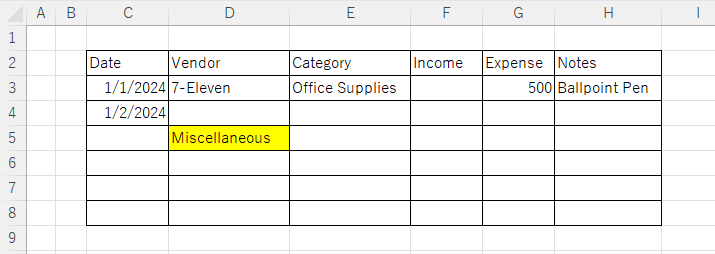
Error messages are unavoidable when dealing with Excel, and you may be surprised when they suddenly appear. Here are the meanings and countermeasures for these errors. As an example of preconditions, let's make a table like this...
Excel Functions

Allows you to see the address where the book is saved Excel (Excel)

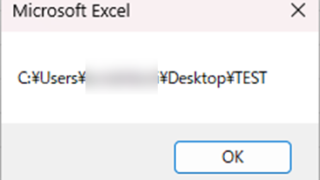
You can display the path in the toolbar so that you can always see the address where you saved your Excel book. We will show you how to do this in this article. Click on the "File" tab, click on "Options", click on "Quick Access Toolbar" > "All...", and then click on "Quick Access Toolbar" > "Quick Access Toolbar" > "All...".
googlesheet

2 Easy Ways to Hide or Show Zero Values in Google Sheets

Looking to hide zero values in Google Sheets? This must-read guide explains two easy methods—using custom formatting and the IF function. Discover how to instantly clean up your tables and boost the visual quality of your documents. Would you like a slightly shorter or more technical variation as well?
Excel Functions

How to Extract Text After a Specific Character in Excel Using RIGHT and FIND

Struggling to extract text after a specific character in Excel when data lengths vary? This article explains how to combine the RIGHT and FIND functions to solve the problem—taught by an experienced Excel formula expert.
Sponsored Links
en_USEnglish
Copied title and URL