Sponsored Links
Excel Functions

Automatically create invoices from sales invoices 2 Excel (Excel)

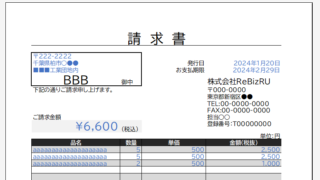
Creating Invoices Automatically from Previous Sales Statements1 Continuing from Excel (Excel), we will create an invoice. Putting the details on the invoice (using a function)*Using the "FILTER" function using Spil*This one uses the Spil function, so you will need to use Microsoft365 or E...
Excel Functions

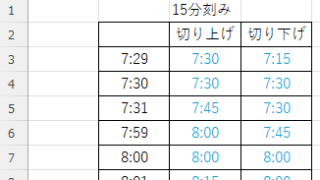
How to Round Time to 15-Minute Intervals in Excel (Easy Formula Guide)

Struggling with time rounding in Excel? This guide shows you how to combine TIME and ROUND functions effectively. Simple techniques that boost productivity. Master time rounding calculations with ease.
Excel Functions

Absolute and relative references in Excel (Excel)

Absolute and relative references are explained below. Relative reference: If you want to display the same contents in cell "C3" as in the neighboring cell "B3", enter the following in cell "C3": =B3. If you want to display the same content in cell "C3" as in the neighboring cell "B3", enter the following in cell "C3": =B3
Excel Macro (VBA)

PrintOut" printer and automatic printing Excel(Excel) macro(VBA)

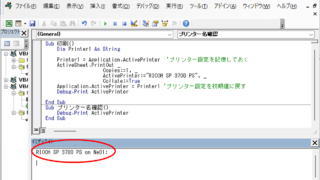
Have you ever had the experience of printing the same Excel file every time, only to have to set it up again and again? Have you ever had such an experience? Many people spend a lot of time on Excel printing. Especially in an environment where multiple printers are used, it is a big hassle to change print settings...
Excel Functions

How to correct "###" in cell display Excel (Excel)

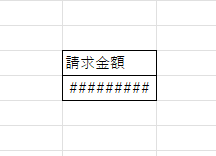
When dealing with numbers in Excel, it often happens that the sharpness of the numbers becomes "######" as shown in the title, and the value becomes unreadable. The conclusion is that the reason for the "#####" is that the length of the value is larger than the size of the cell, making it impossible to display...
Sponsored Links
en_USEnglish
Copied title and URL