Sponsored Links
Excel Functions

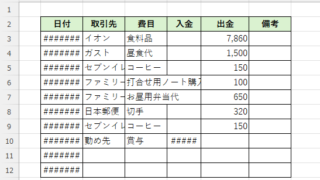
How to Adjust Column Width and Row Height in Excel (Manual Methods Explained)

Visibility is very poor if the column widths are too narrow to display all of the cell contents, or the row height is too narrow to display the contents. In this article, we will explain how to easily and automatically adjust row height and column width to just the right size. With a macro (VBA)...
Excel Functions

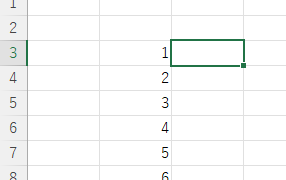
How to use the Spill function Excel (Excel)

I had neglected the "spill" feature implemented in Microsoft365 and Excel2021 for a while because I didn't really understand it, but when I tried it, I found it to be very useful. I found it to be very useful. Moreover, I thought that I could do a lot of things by applying this function...
Excel Functions

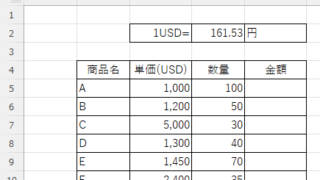
Absolute and relative references in Excel (Excel)

Absolute and relative references are explained below. Relative reference: If you want to display the same contents in cell "C3" as in the neighboring cell "B3", enter the following in cell "C3": =B3. If you want to display the same content in cell "C3" as in the neighboring cell "B3", enter the following in cell "C3": =B3
Excel Functions

SUMIF and SUMIFS Functions Excel

The SUMIF function can be used to change the contents of the total according to conditions, and the SUMIFS function can be used to specify multiple conditions. The reason why and how to use the SUMIF...
Sponsored Links
en_USEnglish
Copied title and URL