Sponsored Links
Excel Macro (VBA)

What is an Excel (Excel) Macro (VBA) Module and Procedure?

When dealing with VBA, you will come across terms such as modules and procedures, which are not used in everyday life. So, here I will explain about modules and procedures. Modules include standard modules, book modules, sheet modules, fo...

Excel Macro (VBA)

[For Beginners] Detailed explanation of how to easily operate Edge/Chrome with VBA (summary)

Mr. Sato, is there any good way to import Web information into Excel? Ms. Sato, a student in the Excel course, asked the question with an enthusiastic expression. Manager, that's right. Actually, you can easily get information on the Web magically by using VBA... I have 20 years of Excel experience...
Excel Functions

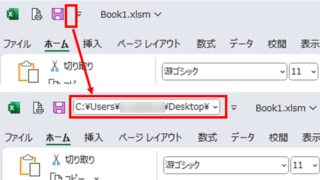
Allows you to see the address where the book is saved Excel (Excel)

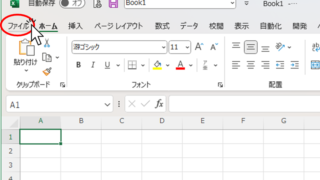
You can display the path in the toolbar so that you can always see the address where you saved your Excel book. We will show you how to do this in this article. Click on the "File" tab, click on "Options", click on "Quick Access Toolbar" > "All...", and then click on "Quick Access Toolbar" > "Quick Access Toolbar" > "All...".
Excel Macro (VBA)

Macro suddenly stopped working Excel(Excel) Macro(VBA)

I have been experiencing a phenomenon around me where macros suddenly stop working after having been used normally until yesterday. The phenomenon is that I had set up a macro that is activated by double-clicking on a specific cell, but it no longer responds when double-clicked. I went to "Develop..." to check the contents of the macro.
Excel Macro (VBA)

Get the path (save location) of the opened Excel file "Path" Excel Macro (VBA)

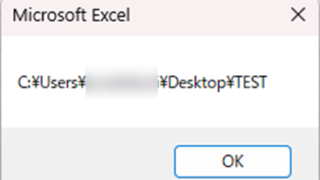
In many cases, it is useful to be able to get the location of the Excel file you are currently working on when you want to retrieve values from another Excel file or save a file as a name using a macro. In this article, we will show you how to use the "Path" command, which is useful in such cases. The currently open Excel file...
Sponsored Links
en_USEnglish
Copied title and URL