Sponsored Links
Excel Macro (VBA)

How to Disable Automatic Calculation in Excel VBA to Speed Up Your Macros

Learn how to disable automatic calculation in Excel VBA to dramatically speed up your macros. Simple code examples and performance tips included. Boost your Excel automation today!
Excel Functions

3 Easy Ways to Hide or Show Zero Values in Excel: Simple Formatting Tips

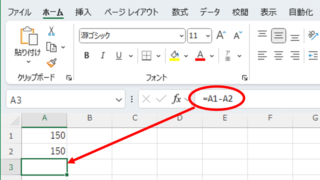
As shown in the figure below, when "A1" cell contains 150 and "A2" cell also contains the same number, 150, the calculation result of "=A1-A2" is "0" zero. There are three ways to avoid displaying numbers when the result of the calculation is "0" zero. The result of the calculation is "0" zero...
Edge

How to Install EdgeDriver for Selenium (Beginner’s Step-by-Step Guide)

This article details the installation procedure of EdgeDriver for beginners.Do you want to start web automation with VBA but don't know how to set it up? In fact, it can be easily installed in 3 steps, which will be taught by an Excel operation professional.
Excel Functions

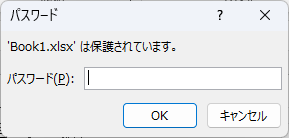
How to set up read-only and password Excel (Excel)

Here is how to set Excel to read-only or set a password when opening. Display the General Options screen First, display the "Save As" screen. On the Excel screen, click the "File" tab, then click "Save As," then click "...
Excel Macro (VBA)

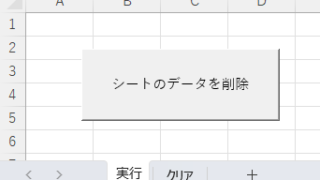
How to Clear Sheet Data with Excel VBA: Simple Macro Tutorial for Beginners

Tired of manually deleting large amounts of Excel data? This article explains how to delete sheet data using VBA macros with ClearContents, Clear, and Delete—completing the task in seconds.
Sponsored Links
en_USEnglish
Copied title and URL