Sponsored Links
Excel Functions

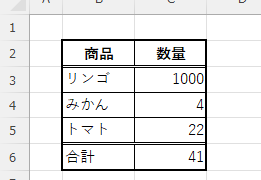
For beginners] Explanation of causes of Excel being slow and countermeasures.

Manager, have you ever felt 'kind of heavy' when using Excel? Student Yes, sir! I recently started using Excel to improve my business, but I'm having trouble opening files because it takes so long. ManagerYes, that's right. Many people have the same problem...
Excel Macro (VBA)

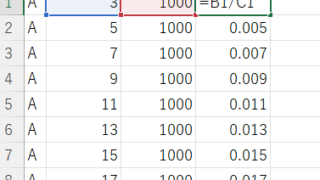
How to Disable Automatic Calculation in Excel VBA to Speed Up Your Macros

Learn how to disable automatic calculation in Excel VBA to dramatically speed up your macros. Simple code examples and performance tips included. Boost your Excel automation today!
Excel Functions

Switch between manual and automatic recalculation methods in Excel (Excel)

Excel, which contains a large number of formulas, will recalculate each time you perform some operation, and you will not be able to perform the next operation until the calculation is finished. If you feel that Excel is too slow, you can stop the recalculation to make it run more smoothly. Also, for some reason without realizing it...
Excel Functions

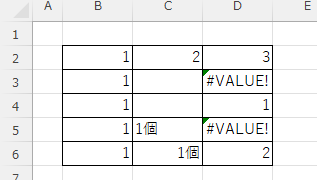
What does the error message "#VALUE!" mean and what can I do about it?

Error messages are unavoidable when dealing with Excel, and you may be surprised when they suddenly appear. Here are the meanings and countermeasures for these errors. As an example of preconditions, let's make a table like this...
Excel Macro (VBA)

How to use the method of variable type "Workbook" Excel (Excel) Macro (VBA)

You can read more about how to use the variable type "Workbook" in this blog. How to use the variable type "Workbook" Excel(Excel)Macro(VBA)Here we will explain the "Workbook" method in a little more detail.Wor...
Sponsored Links
en_USEnglish
Copied title and URL