Sponsored Links
Excel Functions

Easy with Excel and Word! Mastering the art of address printing that anyone can do!

Have you ever had to worry about writing addresses for New Year's cards and summer greeting cards? Writing dozens of cards by hand is a lot of work, but buying specialized software is also a bit expensive.... Everyone has experienced this dilemma at least once. But the truth is, your computer...
Excel Functions

SUMIF and SUMIFS Functions Excel

The SUMIF function can be used to change the contents of the total according to conditions, and the SUMIFS function can be used to specify multiple conditions. The reason why and how to use the SUMIF...
Excel Functions

Locking cells to protect only a specific range of sheets Excel (Excel)

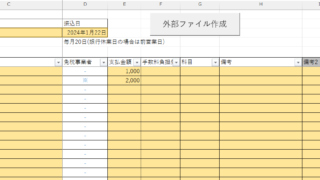
When using the sheet protection function, there is a function that allows detailed usage such as "allow selection and input in this range of cells, but not in other cells". For example, let's say you have a system that automatically creates transfer data when you enter a company name and amount of money as shown below. In this example...
Excel Functions

How to extract characters before a specific character "LEFT and FIND functions in Excel"

As shown in the figure below, if there is extra data after the string and you want to extract only the string to the left of the extra data, you cannot simply use the LEFT function alone because the number of characters is not constant. Function to extract the left side of the "¥" mark in cell "A2" = LEFT(A2,FIND(...))
Excel Functions

How to correct "###" in cell display Excel (Excel)

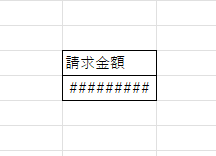
When dealing with numbers in Excel, it often happens that the sharpness of the numbers becomes "######" as shown in the title, and the value becomes unreadable. The conclusion is that the reason for the "#####" is that the length of the value is larger than the size of the cell, making it impossible to display...
Sponsored Links
en_USEnglish
Copied title and URL