Sponsored Links
Excel Functions

How to extract characters before a specific character "LEFT and FIND functions in Excel"

As shown in the figure below, if there is extra data after the string and you want to extract only the string to the left of the extra data, you cannot simply use the LEFT function alone because the number of characters is not constant. Function to extract the left side of the "¥" mark in cell "A2" = LEFT(A2,FIND(...))
Excel Functions

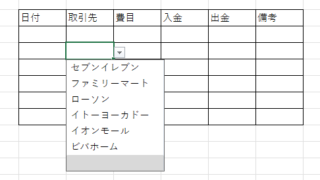
How to Use Excel (Excel) Pull-Downs (Drop-Downs): How to Streamline Data Entry in a Few Simple Steps

By selecting items from pull-down menus instead of entering them freely, you can save time and effort in entering data, and you can also improve the reliability of data by preventing distortions in the notation. Preventing distortions in the notation allows the same data to be recognized as the same when tabulating data, so it can be used in Excel....
Excel Functions

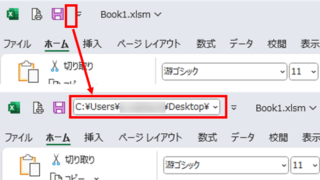
Allows you to see the address where the book is saved Excel (Excel)

You can display the path in the toolbar so that you can always see the address where you saved your Excel book. We will show you how to do this in this article. Click on the "File" tab, click on "Options", click on "Quick Access Toolbar" > "All...", and then click on "Quick Access Toolbar" > "Quick Access Toolbar" > "All...".
Excel Functions

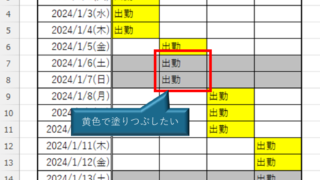
How to Prefer Manual Fill to Conditional Formatting Excel (Excel)

Conditional formatting is a very useful feature that automatically fills in or changes formatting based on specified conditions. However, many of you may have experienced the problem that conditional formatting takes precedence over manual filling. In this article, we will discuss how to use conditional formatting...
Sponsored Links
en_USEnglish
Copied title and URL