Sponsored Links
Excel Functions

How to extract characters before a specific character "LEFT and FIND functions in Excel"

As shown in the figure below, if there is extra data after the string and you want to extract only the string to the left of the extra data, you cannot simply use the LEFT function alone because the number of characters is not constant. Function to extract the left side of the "¥" mark in cell "A2" = LEFT(A2,FIND(...))
Edge

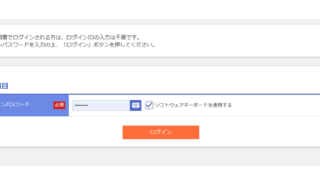
Digital certificate can no longer be selected when logging in to a site (Edge)

Have you ever seen the following error message when using login with a digital certificate? The certificate you have selected is not available for this service. Please close all browser windows and try again. Internet ban...
Windows

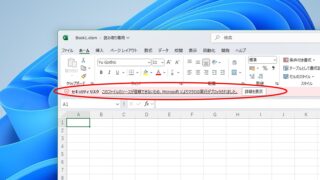
How to Enable Excel Macros: Fix 'Macro Has Been Blocked' Error Safely

If you are having trouble running Excel macros, you have come to the right place. This article explains how to solve the red band message that appears in version 2203 and later. Actually, it can be easily solved by file saving and property settings. This article will help you solve the macro block problem completely. 
Excel Macro (VBA)

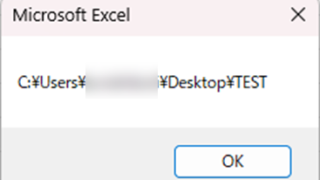
Get the path (save location) of the opened Excel file "Path" Excel Macro (VBA)

In many cases, it is useful to be able to get the location of the Excel file you are currently working on when you want to retrieve values from another Excel file or save a file as a name using a macro. In this article, we will show you how to use the "Path" command, which is useful in such cases. The currently open Excel file...
Sponsored Links
en_USEnglish
Copied title and URL