Sponsored Links
Excel Functions

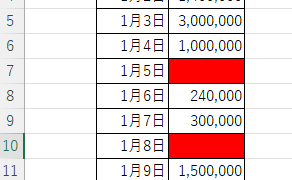
Excel (Excel) Conditional Formatting Methods

Excel has a function to change the format according to cell values and various conditions. Here is an example of a specific setting. Suppose you have a simple table like the one below, and you want to shade in red the cells where no sales have been entered. First, select the range you want to format. Next, select "Home"...
Excel Macro (VBA)

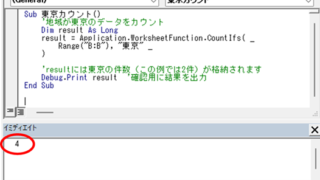
Excel Macro (VBA): How to use the CountIfs function in VBA! 

If you are a beginner who wants to use Excel's COUNTIFS function in VBA, this is a must. This article provides a thorough explanation from basic writing to error handling. In fact, with a few tricks, you can reduce processing time from a few minutes to a few seconds. Read this article and you will be able to efficiently tabulate data from tomorrow.
Excel Functions

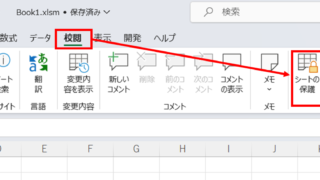
How to set and remove sheet and book protection Excel (Excel)

If you are thinking about preventing Excel mishaps, this is a must! This article details how to set up and remove sheet and book protection. In fact, you can easily set it with a password. This article will help you protect your important data.
googlesheet

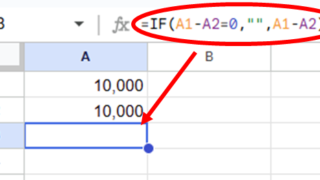
2 Easy Ways to Hide or Show Zero Values in Google Sheets

Looking to hide zero values in Google Sheets? This must-read guide explains two easy methods—using custom formatting and the IF function. Discover how to instantly clean up your tables and boost the visual quality of your documents. Would you like a slightly shorter or more technical variation as well?
Sponsored Links
en_USEnglish
Copied title and URL