Sponsored Links
Excel Functions

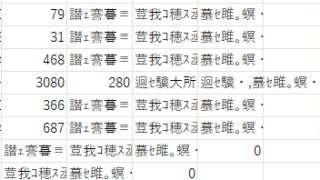
The two reasons for garbled csv files and how to fix them [Thorough explanation by an Excel master] Windows version.

"Huh? What is this?" Have you ever opened a CSV file in Excel only to find that the text in the file is a series of unintelligible symbols? Yes, you are now facing a troublesome problem called "garbled characters," which is a common problem that many people suffer from...

Excel Macro (VBA)

[For Beginners] Detailed explanation of how to easily operate Edge/Chrome with VBA (summary)

Mr. Sato, is there any good way to import Web information into Excel? Ms. Sato, a student in the Excel course, asked the question with an enthusiastic expression. Manager, that's right. Actually, you can easily get information on the Web magically by using VBA... I have 20 years of Excel experience...
Excel Functions

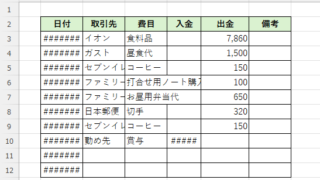
How to Adjust Column Width and Row Height in Excel (Manual Methods Explained)

Visibility is very poor if the column widths are too narrow to display all of the cell contents, or the row height is too narrow to display the contents. In this article, we will explain how to easily and automatically adjust row height and column width to just the right size. With a macro (VBA)...
Excel Macro (VBA)

How to Find the Last Row in Excel Using VBA (Macro Guide for Beginners)

We show you how to search through the data from the top down, and how to start from the bottom row of the Excel file and work your way up.
Excel Functions

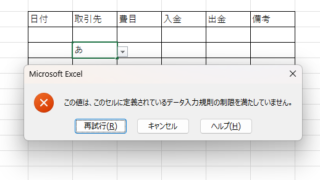
Excel to allow entry of items not in the pull-down (drop-down) list

When using the pull-down entry function in Excel with the default settings, if you try to enter an item that is not in the list prepared for entry, an error message like the one shown below will appear and you will not be able to enter the item. In such a case, you can either allow any item to be entered, or display a message...
Sponsored Links
en_USEnglish
Copied title and URL