Sponsored Links
Excel Functions

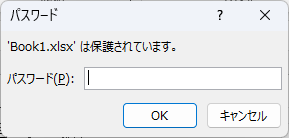
How to set up read-only and password Excel (Excel)

Here is how to set Excel to read-only or set a password when opening. Display the General Options screen First, display the "Save As" screen. On the Excel screen, click the "File" tab, then click "Save As," then click "...
Excel Macro (VBA)

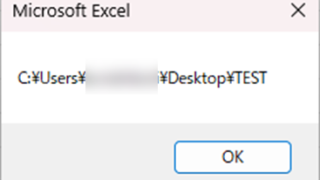
Get the full path (save location and file name) of the opened Excel file "FullName" Excel (Excel) Macro (VBA)

There are many situations where it is useful to be able to retrieve the location of the Excel file you are currently operating on when you are trying to retrieve values from another Excel file or save a file as a name using a macro. In this article, we will show you how to use the "FullName" command, which is useful in such cases. The currently open...
Edge

How to Install EdgeDriver for Selenium (Beginner’s Step-by-Step Guide)

This article details the installation procedure of EdgeDriver for beginners.Do you want to start web automation with VBA but don't know how to set it up? In fact, it can be easily installed in 3 steps, which will be taught by an Excel operation professional.
Excel Functions

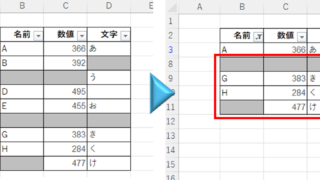
Auto-filter cuts out in the middle, how to fix Excel (Excel)

Have you ever had a situation where you applied an auto-filter and found that the auto-filter was only working on the 20th row, even though data was included up to the 100th row? In this article, we will introduce what you should check when you encounter such a situation. Auto filter aperture...
Excel Functions

Absolute and relative references in Excel (Excel)

Absolute and relative references are explained below. Relative reference: If you want to display the same contents in cell "C3" as in the neighboring cell "B3", enter the following in cell "C3": =B3. If you want to display the same content in cell "C3" as in the neighboring cell "B3", enter the following in cell "C3": =B3
Sponsored Links
en_USEnglish
Copied title and URL