Sponsored Links
Excel Macro (VBA)

Color every other line alternately to make stripes

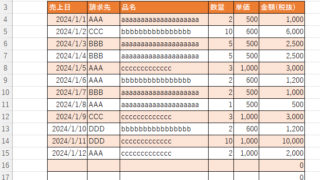
When creating a table, it is possible to make the table very easy to read if each row is colored alternately and striped. In this issue, we will show you three ways to do this. How to use the table functionHow to set up a tableSelect a cell anywhere in the table you want to make a table and click "Insert...
Excel Macro (VBA)

Measure macro processing time Excel(Excel) Macro(VBA)

When trying to speed up a macro, it is first necessary to be able to determine how much time was saved before and after the improvement, and how much time was saved or not. To do this, it is necessary to be able to measure the time. In this article, we will show you how to do this. In this article, we will discuss the process of...
Excel Functions

How to apply mosaic (blur) Excel

When you are preparing a document or manual for external publication, you may need to refer to a web site or a screen where non-public information is visible. In such a case, you would like to put a mosaic like this on the non-public part. We will explain this method in detail in this issue...
Excel Functions

Insert rows without breaking formulas (using spil) Excel (Excel)

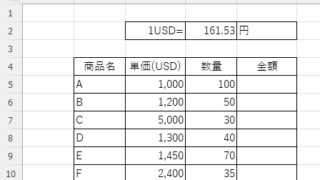
With Microsoft365 and Excel 2021 or later versions, you can insert, delete, and rearrange rows without breaking the formula by using a feature called Spill. In this article, we will show you a specific example...
Excel Macro (VBA)

How to display the Immediate Window Excel(Excel) Macro(VBA)

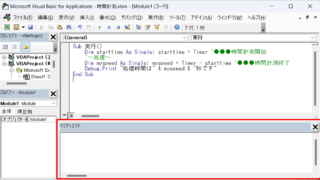
One of the skills that you will need to learn as you progress in your VBA studies is the skill of using Immediate Windows. To use it, you must first display the Immediate Window. In this article, we will explain how to display the Immediate Window...
Sponsored Links
en_USEnglish
Copied title and URL