Sponsored Links
Excel Macro (VBA)

Macro suddenly stopped working Excel(Excel) Macro(VBA)

I have been experiencing a phenomenon around me where macros suddenly stop working after having been used normally until yesterday. The phenomenon is that I had set up a macro that is activated by double-clicking on a specific cell, but it no longer responds when double-clicked. I went to "Develop..." to check the contents of the macro.
Excel Functions

Linking two pull-downs (drop-downs) without macros (when reflected in multiple rows) Excel (Excel)

A must-see for those who want to create Excel linked multi-row dropdowns! This article explains in detail how to link multi-row dropdowns without macros. In fact, it can be easily achieved with the INDIRECT function and named ranges. Reading this article will enable you to create efficient spreadsheets.
Excel Functions

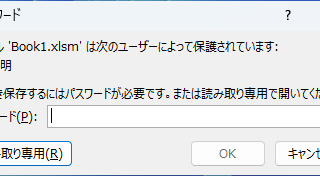
Forgot Password? How to Remove Read-Only (Write Protection) in Excel

If you forgot your Excel password, don’t worry! This article explains how to remove write protection easily by simply changing the file extension. Learn how to unlock read-only mode fast.
Excel Functions

How to Adjust Column Width and Row Height in Excel (Manual Methods Explained)

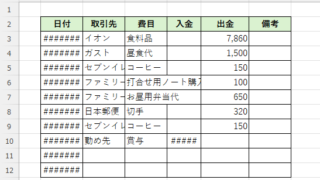
Visibility is very poor if the column widths are too narrow to display all of the cell contents, or the row height is too narrow to display the contents. In this article, we will explain how to easily and automatically adjust row height and column width to just the right size. With a macro (VBA)...
Excel Functions

Excel: Color Cells When Input Doesn’t Match Dropdown List

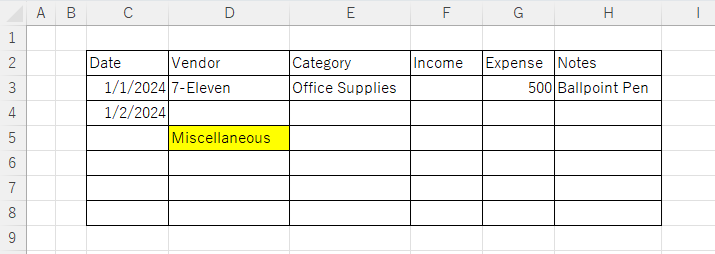
In this article, you'll learn how to use conditional formatting in Excel to automatically change cell colors when a value entered doesn't match the dropdown list. If you've been struggling with errors during data aggregation using the VLOOKUP function, you're not alone. Fortunately, combining the MATCH and ISNA functions offers a simple and effective solution.
Sponsored Links
en_USEnglish
Copied title and URL