Sponsored Links
Excel Functions

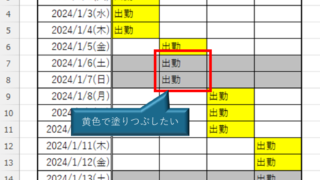
How to Prefer Manual Fill to Conditional Formatting Excel (Excel)

Conditional formatting is a very useful feature that automatically fills in or changes formatting based on specified conditions. However, many of you may have experienced the problem that conditional formatting takes precedence over manual filling. In this article, we will discuss how to use conditional formatting...
Excel Macro (VBA)

How to pass arguments between procedures ByRef,ByVal Excel(Excel) Macro(VBA)

This section describes how to pass arguments when procedures are separated. In the article below, I mentioned that it is easier to read and process the code by separating the procedures...
Excel Functions

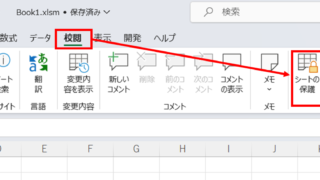
How to set and remove sheet and book protection Excel (Excel)

If you are thinking about preventing Excel mishaps, this is a must! This article details how to set up and remove sheet and book protection. In fact, you can easily set it with a password. This article will help you protect your important data.
Excel Functions

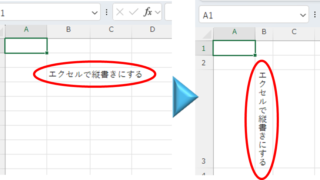
Top 4 Ways to Write Vertically in Excel: Features, Pros, and Best Use Cases

Excel is normally designed to be written horizontally, but it can also be written vertically. There are several ways to do this, but in this article, we will introduce four methods, two using "cell formatting" and two using "text boxes. Using "Vertical Writing" Cell Formatting1....
Sponsored Links
en_USEnglish
Copied title and URL