Sponsored Links
Excel Macro (VBA)

How to Disable Automatic Calculation in Excel VBA to Speed Up Your Macros

Learn how to disable automatic calculation in Excel VBA to dramatically speed up your macros. Simple code examples and performance tips included. Boost your Excel automation today!

Excel Functions

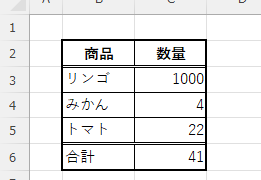
How to Extract Text After a Specific Character in Excel Using RIGHT and FIND

Struggling to extract text after a specific character in Excel when data lengths vary? This article explains how to combine the RIGHT and FIND functions to solve the problem—taught by an experienced Excel formula expert.
Excel Macro (VBA)

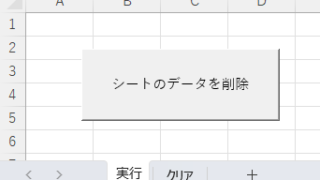
How to Clear Sheet Data with Excel VBA: Simple Macro Tutorial for Beginners

Tired of manually deleting large amounts of Excel data? This article explains how to delete sheet data using VBA macros with ClearContents, Clear, and Delete—completing the task in seconds.
googlesheet

How to Convert Google Sheets to Excel

When a business partner submits data in a Google Spreadsheet, or when data created in a Google Spreadsheet is required to be submitted in Excel, it will be necessary to convert the data to Excel. In this article, we will discuss the Google Spreadsheet...
Excel Functions

Switch between manual and automatic recalculation methods in Excel (Excel)

Excel, which contains a large number of formulas, will recalculate each time you perform some operation, and you will not be able to perform the next operation until the calculation is finished. If you feel that Excel is too slow, you can stop the recalculation to make it run more smoothly. Also, for some reason without realizing it...
Sponsored Links
en_USEnglish
Copied title and URL