Sponsored Links
Excel Functions

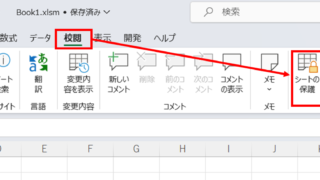
How to set and remove sheet and book protection Excel (Excel)

If you are thinking about preventing Excel mishaps, this is a must! This article details how to set up and remove sheet and book protection. In fact, you can easily set it with a password. This article will help you protect your important data.
Excel Functions

Absolute and relative references in Excel (Excel)

Absolute and relative references are explained below. Relative reference: If you want to display the same contents in cell "C3" as in the neighboring cell "B3", enter the following in cell "C3": =B3. If you want to display the same content in cell "C3" as in the neighboring cell "B3", enter the following in cell "C3": =B3
Excel Functions

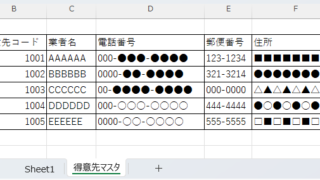
How to Extract Data Using the VLOOKUP Function in Excel

Being able to use the VLOOKUP function will expand the range of data handling, and will help you be seen as an intermediate Excel user by beginners. In this article, we will show you how to use the VLOOKUP function, and how to use the INDEX and MATCH functions to compensate for the weaknesses of the VLOOKUP function...
Excel Functions

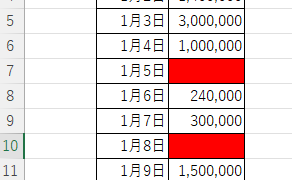
Excel (Excel) Conditional Formatting Methods

Excel has a function to change the format according to cell values and various conditions. Here is an example of a specific setting. Suppose you have a simple table like the one below, and you want to shade in red the cells where no sales have been entered. First, select the range you want to format. Next, select "Home"...
Excel Functions

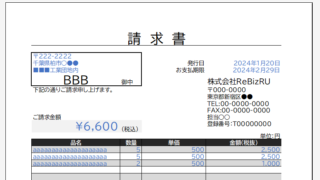
Automatically create invoices from sales invoices1 Excel (Excel)

There are many useful software systems that automatically output invoices as you record sales data if you pay for them, but many people are unable to install software because they "don't have enough money to pay for it" or "management won't allow it" and are making each invoice by hand...
Sponsored Links
en_USEnglish
Copied title and URL