Sponsored Links
Excel Functions

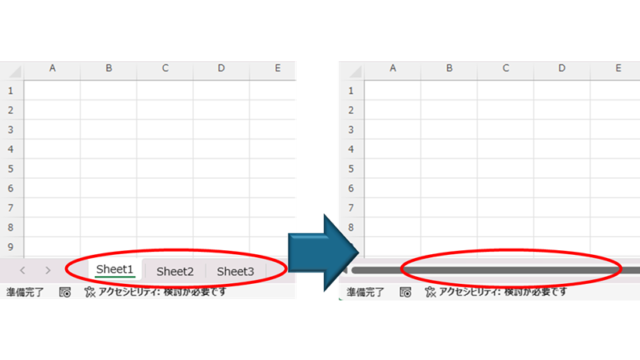
How to Hide Sheet Tabs in Excel – Fast & Easy

A must for Excel system creators and those considering preventing erroneous operations. This article explains with images how to hide sheet headings to prevent unexpected operations. In fact, it can be achieved with only a simple option setting. This article will help you create safe Excel files.
Excel Functions

Excel (Excel) Conditional Formatting Methods

Excel has a function to change the format according to cell values and various conditions. Here is an example of a specific setting. Suppose you have a simple table like the one below, and you want to shade in red the cells where no sales have been entered. First, select the range you want to format. Next, select "Home"...
Excel Functions

How to Use Excel (Excel) Pull-Downs (Drop-Downs): How to Streamline Data Entry in a Few Simple Steps

By selecting items from pull-down menus instead of entering them freely, you can save time and effort in entering data, and you can also improve the reliability of data by preventing distortions in the notation. Preventing distortions in the notation allows the same data to be recognized as the same when tabulating data, so it can be used in Excel....
Excel Functions

How to correct "###" in cell display Excel (Excel)

When dealing with numbers in Excel, it often happens that the sharpness of the numbers becomes "######" as shown in the title, and the value becomes unreadable. The conclusion is that the reason for the "#####" is that the length of the value is larger than the size of the cell, making it impossible to display...
Sponsored Links
en_USEnglish
Copied title and URL