 Excel Functions
 Locking cells to protect only a specific range of sheets Excel (Excel)
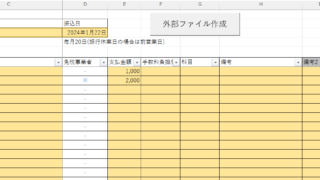
When using the sheet protection function, there is a function that allows detailed usage such as "allow selection and input in this range of cells, but not in other cells". For example, let's say you have a system that automatically creates transfer data when you enter a company name and amount of money as shown below. In this example...


 English
  日本語
日本語