
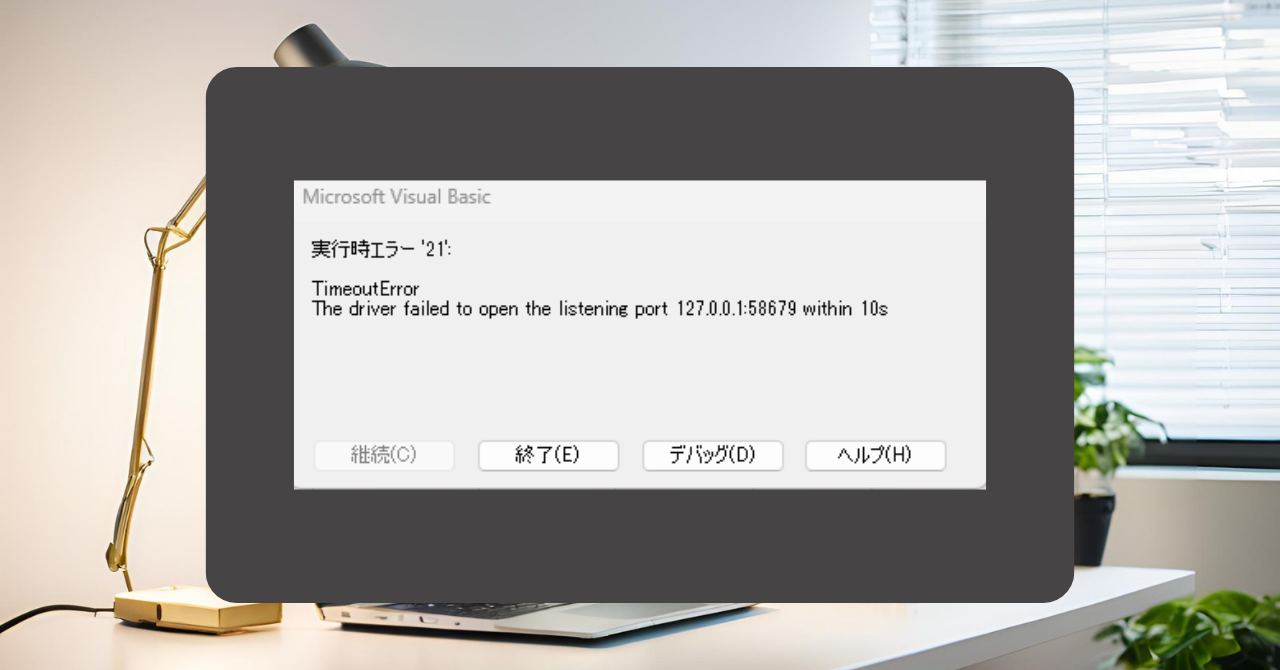
I was using SeleniumBasic with VBA to run the browser, but it suddenly stopped working.
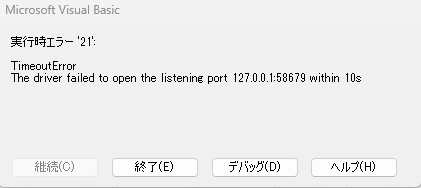
While consulting Claude and fixing the code, I started investigating, but it seems like something fundamentally is wrong.
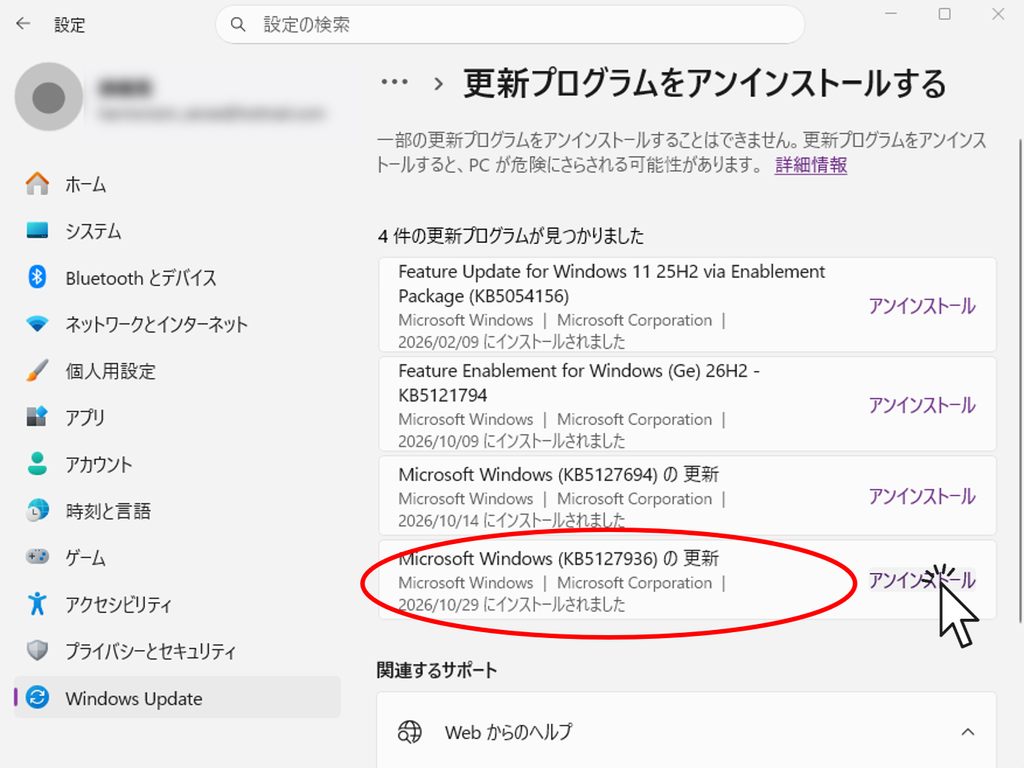
When Claude is asked about the issue, he reports that many people have reported that this error appears after applying the Windows Update update "KB5127936", which was released on October 29, 2026.
SeleniumBasic hasn't been updated since 2016, so it seems it can't support new Windows changes.
Therefore, I will disclose the method of handling this issue for those who are also experiencing the same problem.
Emergency measures
First of all, as an emergency measure, uninstall (delete) this update.
*This is a process of removing Windows updates. Please do so at your own risk. Also, please note that this is only a temporary measure; future updates may cause the same symptoms again.
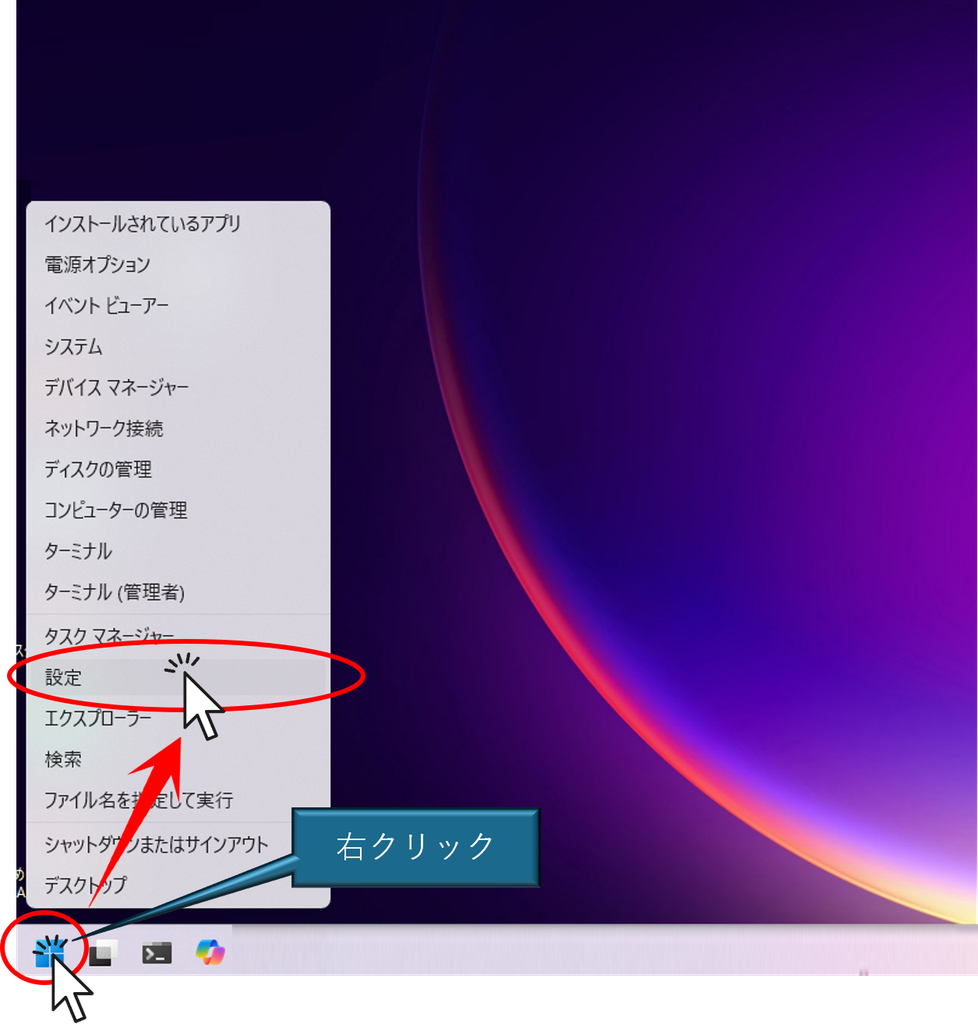
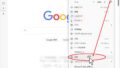
Right-click on the "Windows" button → click on the "Settings" button.
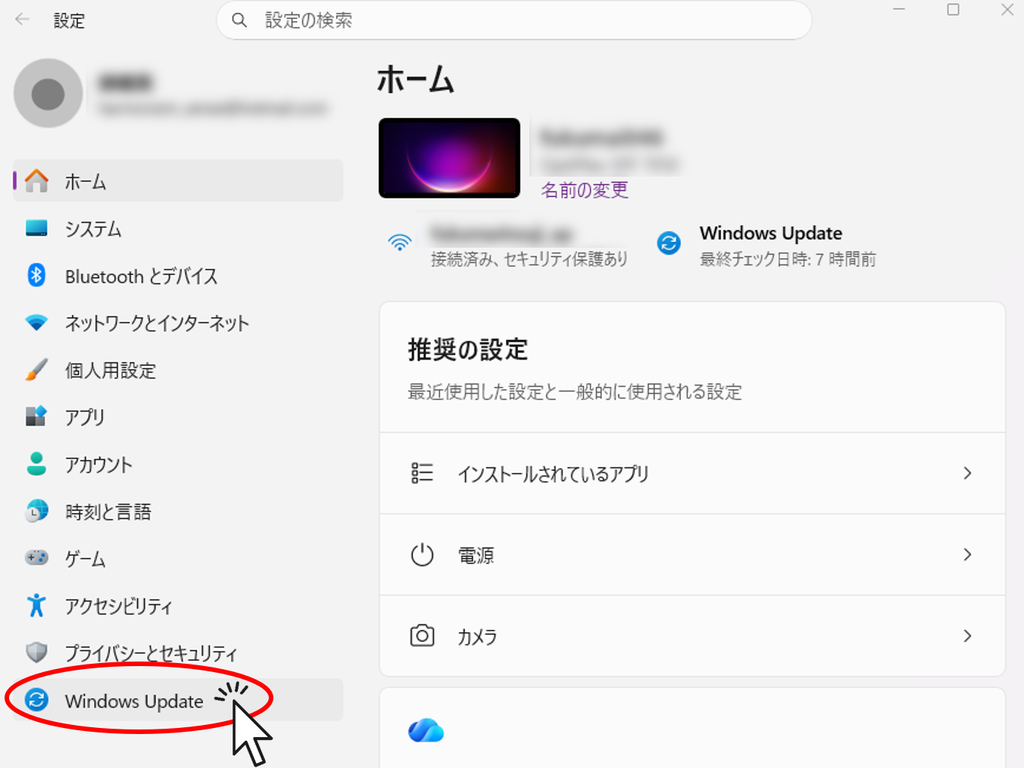
Click the "Windows Update" button
Click the "Update History" button
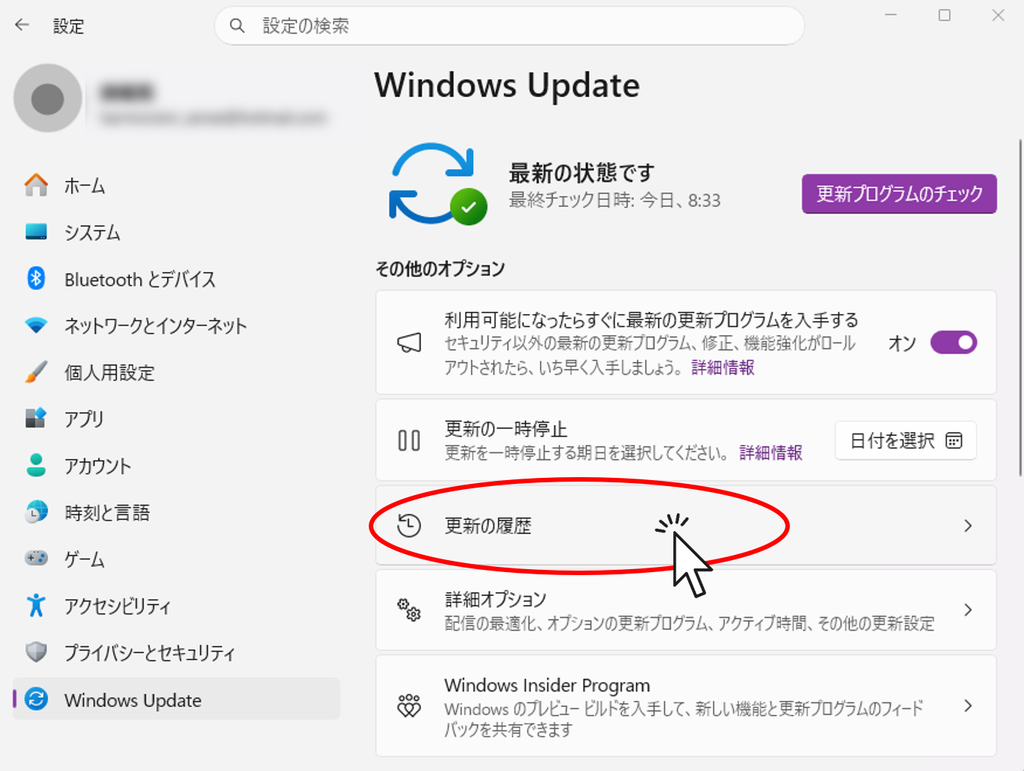
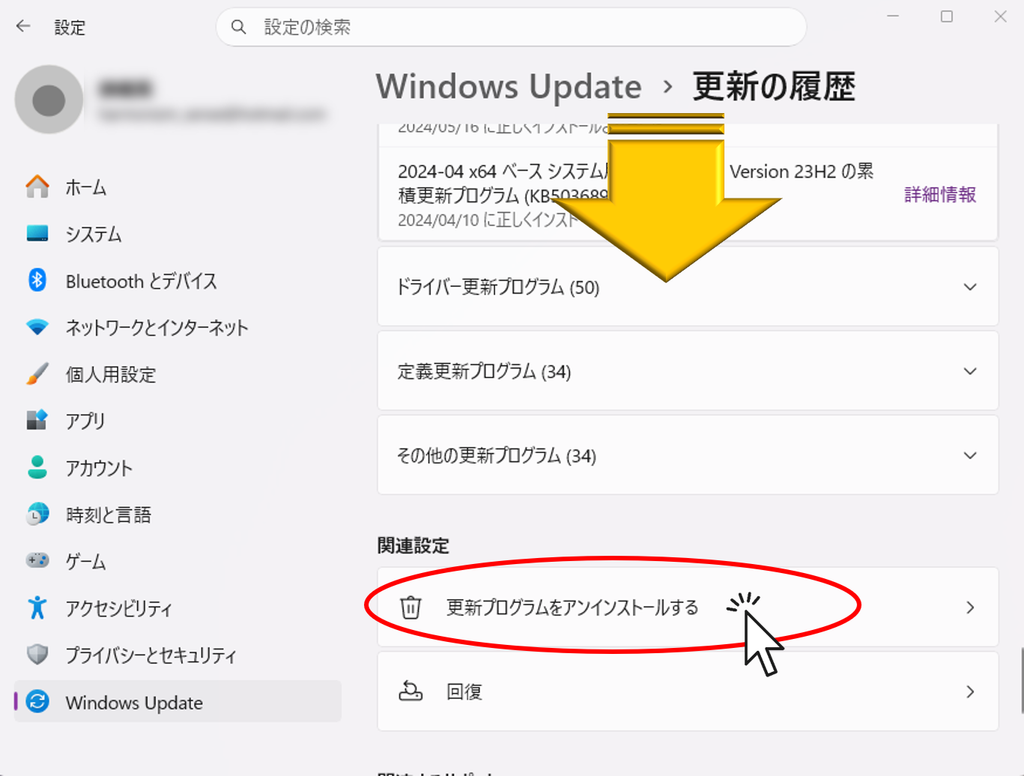
Click "Uninstall update."
Find the program in question (programs scheduled before October 29, 2026) and click "Uninstall."
Click the "Uninstall" button
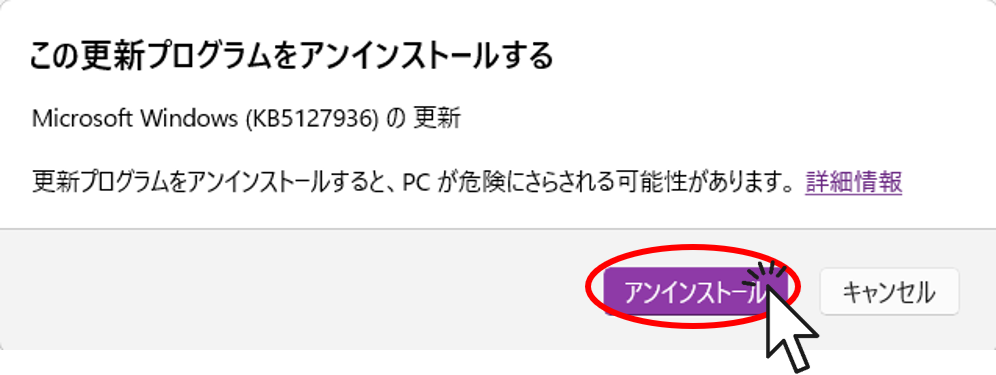
After the uninstall is complete, please restart your device.
After that, open the Excel file again and make sure the macro works properly.
Permanent measures
It might be worth reconsidering how to use SeleniumBasic.
Let's consider shifting from VBA to a method using Python.
I will report the specific methods separately. I will leave this article as a quick emergency measure for now.
 English
 日本語
Comment