Sponsored Links
Excel Functions

How to Extract Text After a Specific Character in Excel Using RIGHT and FIND

Struggling to extract text after a specific character in Excel when data lengths vary? This article explains how to combine the RIGHT and FIND functions to solve the problem—taught by an experienced Excel formula expert.
googlesheet

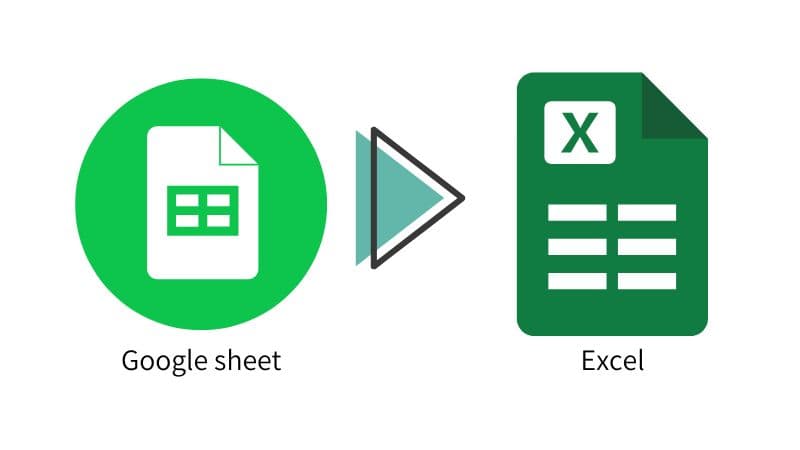
How to Convert Google Sheets to Excel

When a business partner submits data in a Google Spreadsheet, or when data created in a Google Spreadsheet is required to be submitted in Excel, it will be necessary to convert the data to Excel. In this article, we will discuss the Google Spreadsheet...
Edge

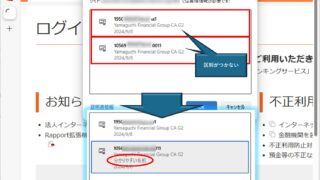
How to Change Digital Certificate Display Names in Microsoft Edge for Easy Identification

How to Change Digital Certificate Names in Edge | Stop Certificate Confusion. Set friendly names for easy identification. Step-by-step guide to distinguish multiple certificates in Microsoft Edge browser.
Excel Functions

How to apply mosaic (blur) Excel

When you are preparing a document or manual for external publication, you may need to refer to a web site or a screen where non-public information is visible. In such a case, you would like to put a mosaic like this on the non-public part. We will explain this method in detail in this issue...
Excel Functions

Find Out Which Version of Excel You’re Using – Quick Steps

The functions and functions that can be used may change depending on the version of Excel. You should be able to check if your version is supported when errors or problems occur, so we will show you how to check your Excel version in this issue. Acau...
Sponsored Links
en_USEnglish
Copied title and URL